
How to Make a Minecraft-Style Game With AI — Free Voxel Code, Assets & Survival Tutorial
Create an original mining, crafting and building game. Reuse terrain tools, keep your world small at first and save only the changes players make.
Reimagine the mechanics in your own style: original characters, artwork and world. This independent guide builds Mosslight Frontier, rather than recreating Minecraft or its commercial assets.
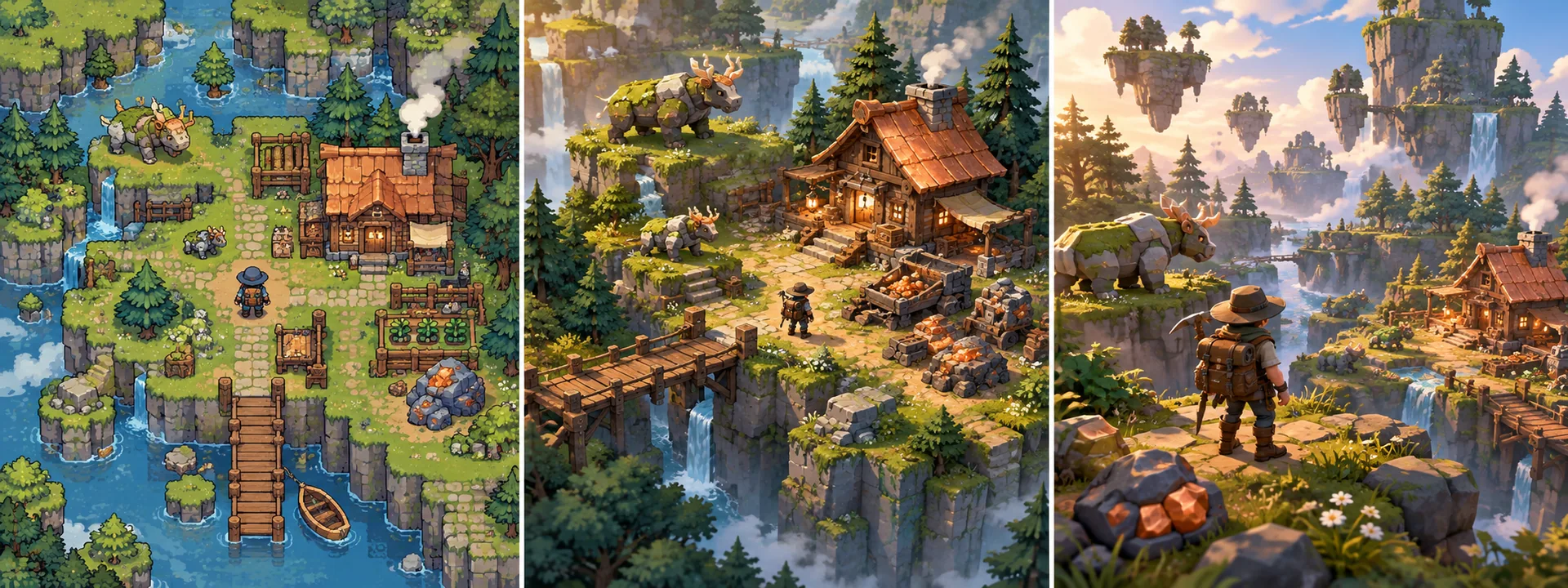
You are creating your own original game inspired by general mechanics. Minecraft is a reference, not an exact-copy brief or official project.
Choose the game you can finish
Your first milestone: A bounded island, five block types, mining, placing, one pickaxe recipe, one creature and a saved shelter. Finish this slice before multiplying maps, characters or mechanics.
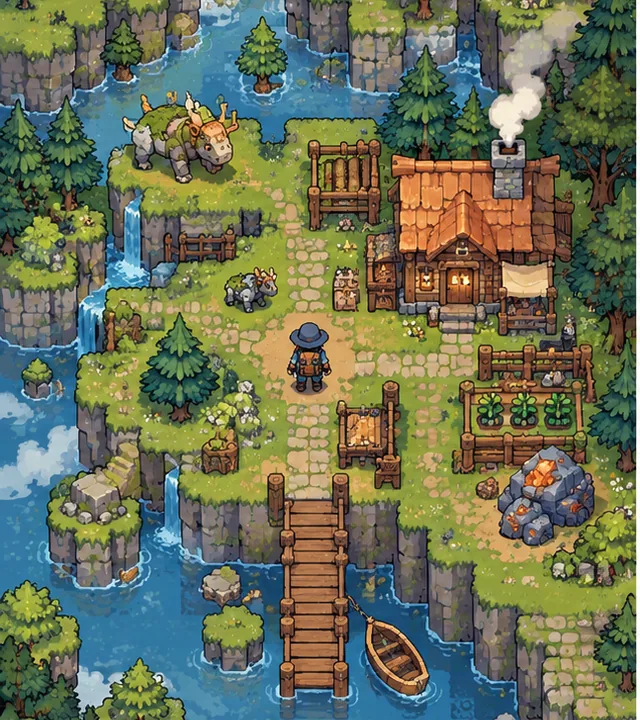
2D survival
A side-view tile sandbox with mining and building. This captures the resource loop but is not a full 3D voxel simulation.
MAKE MY OWN 2D GAME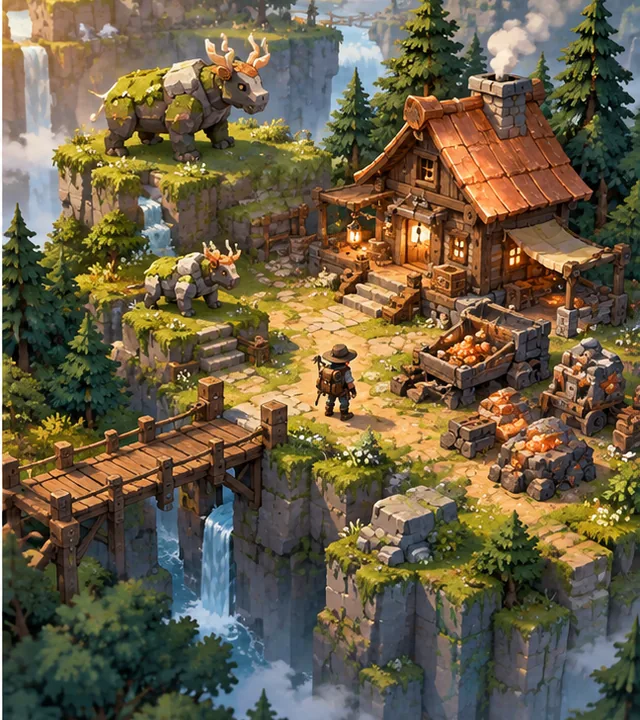
2.5D survival
An isometric view of a real block grid. Use a ground-plane selection ray, explicit vertical layers and a rotate/height control if needed.
MAKE MY OWN 2.5D GAME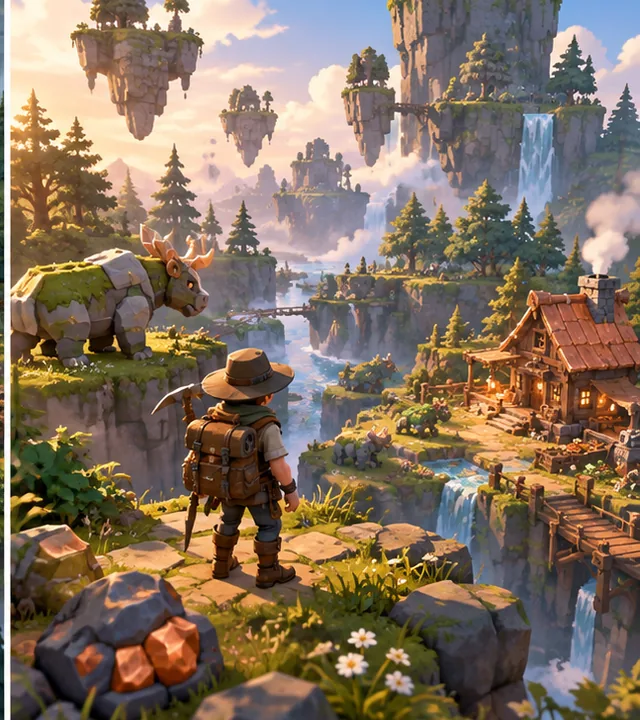
3D survival
A first-person voxel world using chunked meshes. Voxel Tools is a candidate for native builds; verify its exact browser/mobile export support before adoption.
MAKE MY OWN 3D GAMESee what original creators have built
Voxel Tools
Volumetric terrain tools for blocky or smooth worlds. Terrain storage and meshing are reusable; crafting, progression and creature behaviour remain game-specific. No verified AI-authorship claim.
Code and asset rights: MIT module; bundled dependencies keep their own notices
Compatibility: Godot 4 C++ module/extension. Match release binaries, editor and export templates. Browser/mobile support must be checked for the exact build.
VIEW ORIGINAL GITHUB PROJECT ↗Source checked 11 October 2026 · pinned review; not whole-project runtime certification. Open the creator’s repository for genuine media; concept art here is separate.Godot demo projects
Feature-sized editor projects for movement, physics, tilemaps and UI. No verified AI-authorship claim.
Code and asset rights: MIT code; retain notices and inspect each demo’s asset credits
Compatibility: Use a demo branch matching your Godot editor; individual examples supply systems, not a complete game.
VIEW ORIGINAL GITHUB PROJECT ↗Source checked 11 October 2026 · pinned review; not whole-project runtime certification. Open the creator’s repository for genuine media; concept art here is separate.Step by step: build Mosslight Frontier
These are an original implementation plan with explicit checks, not claims that every proposed engine integration has already been executed.
- STEP 1
Generate one reproducible island
Pick a seed, five block IDs and bounded world dimensions. Generate ground heights and a shallow cave layer. Keep the seed stable and expose the same coordinate-to-block function to rendering and collision.
Expected result: Reloading the seed creates the same starting island.
Try this check: Compare several edge/cave coordinates across two new sessions.
2D · Original AI-generated concept · not gameplay - STEP 2
Mine and place through one block API
Trace from the camera or selected tile. Enforce reach, tool rules and hardness. Reject placement intersecting the player and reserve the world floor. Update block data first, then rebuild the affected mesh/collision.
Expected result: Mining removes exactly one block and placing creates one valid block.
Try this check: Spam input at chunk borders and try to trap the player inside a new block.
Controls → state → feedbackSpam input at chunk borders and try to trap the player inside a new block.
Acceptance check · run this in your own project - STEP 3
Give every item a stable identity
Define item IDs, stack limits, icons and recipes in data. Inventory owns counts; a hotbar references slots. Separate pickup world objects from inventory quantities.
Expected result: Resources flow from mined blocks into bounded stacks.
Try this check: Fill the inventory, split a stack and collect while full without duplicating items.
2.5D · Original AI-generated concept · not gameplay - STEP 4
Craft one useful tool
Add a recipe requiring three timber and two ore. Validate and subtract all ingredients as one operation, then add the result. If the output cannot fit, change nothing.
Expected result: One crafted pickaxe improves mining speed without changing the resource rules.
Try this check: Craft with insufficient materials and a full inventory: counts must remain unchanged.
Validate → change once → show resultCraft with insufficient materials and a full inventory: counts must remain unchanged.
Acceptance check · run this in your own project - STEP 5
Make a shelter matter
Introduce health and a gentle night threat. A creature uses a small walk/flee/attack state machine and navigates walkable cells. Let the first shelter improve safety without a large hunger simulation.
Expected result: The player has a reason to gather, build and explore.
Try this check: Check enemies at doors and cliffs; they cannot teleport through solids.
3D · Original AI-generated concept · not gameplay - STEP 6
Save changes and bound the work
Save seed, schema version, changed blocks, inventory and player position. Reconstruct the base world, then apply deltas. Batch chunk remeshing and use visibility/range limits for creatures.
Expected result: A mined tunnel and shelter survive restart.
Try this check: Reload at a changed chunk boundary; test corrupt data and measure the busiest rebuild.
Save → reload → compareReload at a changed chunk boundary; test corrupt data and measure the busiest rebuild.
Acceptance check · run this in your own project
Start with a working reference
The related 2D workshop has a smaller runnable practice loop and public source. It is separate from this multi-dimension production roadmap.
Open the practical starter workshop →
Free code, assets and systems you can reuse
Godot supplies physics, input mapping, UI controls, animation tools, navigation and file APIs. Its demos illustrate individual systems. Reuse those before asking ChatGPT, Claude Code or Codex to recreate them; AI still has to adapt your game-specific rules. Work avoided is not a measured credit-saving percentage.
Kenney Tiny Town
Original creator: Kenney.
CC0 · 2D baseline for a tile version; not a voxel engine.
View assets, real previews & licence ↗Kenney UI Pack
Original creator: Kenney.
CC0 · inventory panels/icons; build your own item rules.
View assets, real previews & licence ↗Animation, UI, audio, inventory and saving
Keep one art scale and test one imported model or sprite first. Reuse engine animation states and native UI focus. Use original sound synthesis or an exact cleared audio pack. Define inventory/collection IDs and transaction rules as game data; a visual pack cannot implement those rules. Godot’s saving tutorial supplies a file-workflow starting point; add schema validation, migrations and error handling.
Godot saving tutorial ↗ · Animation integration guide · Add one code or asset resource
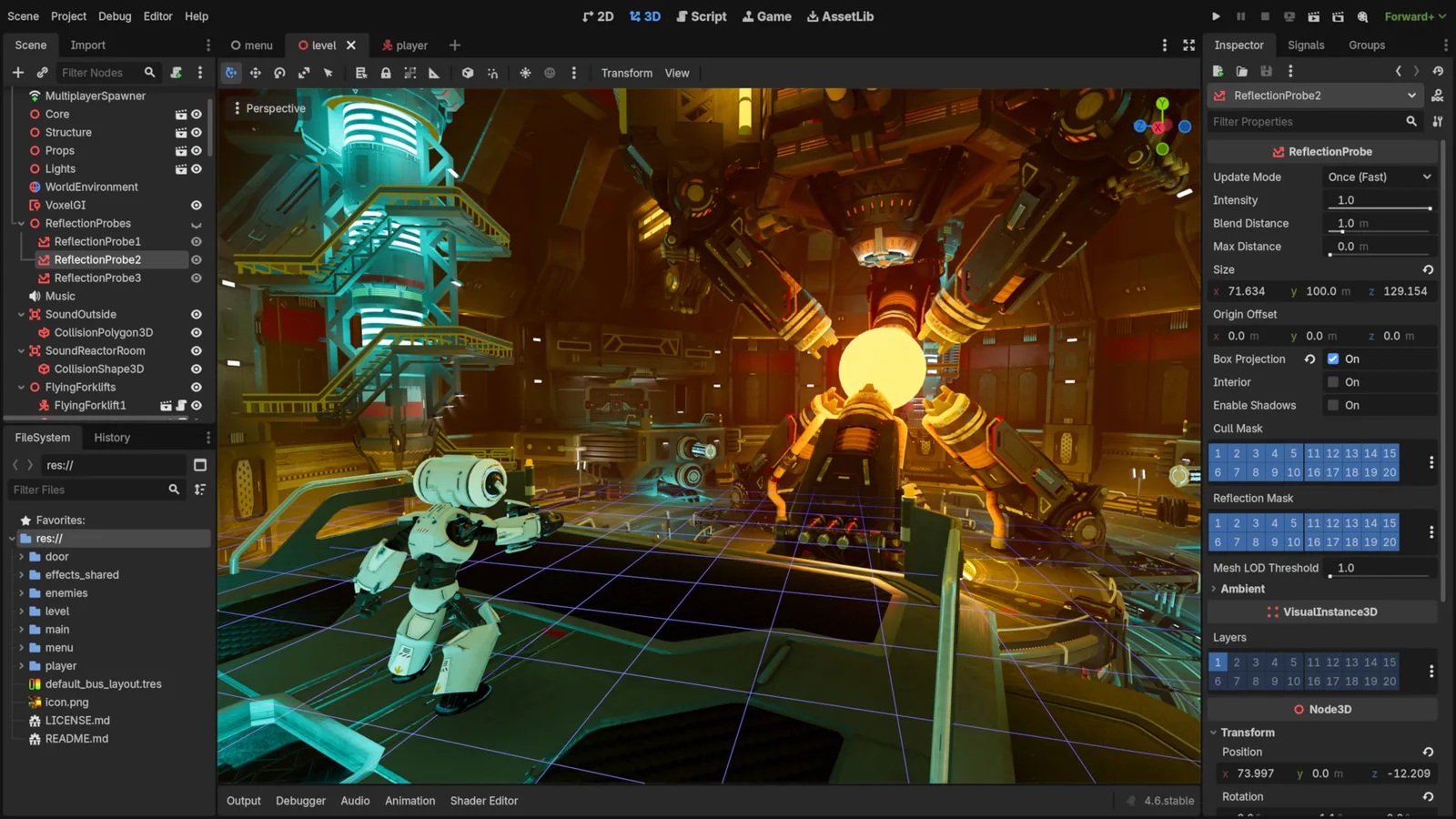
Godot Engine contributors · Original screenshot ↗ · CC BY 4.0 ↗. Resized and compressed.
Godot Engine contributorsGodot
Free, open-source game editor for 2D and 3D projects, with scene, animation and interface tools.
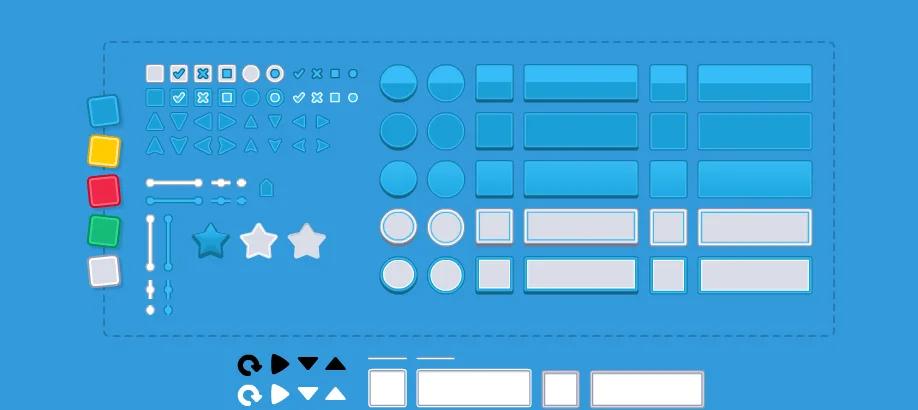
UI Pack
Interface artwork for buttons, panels and sliders.
Optional paid assets are for an evidenced gap such as extra animation actions or a consistent environment set. Keep the free baseline beside the paid option. Browse free resources · Compare optional paid resources. Check current prices at the creator; no commission-based ranking or invented improvement percentage.
Licensing summary, not legal advice. Before selling or publishing, check exact official terms. Finished-game use, reselling raw files and including files in a source/template product are separate permissions; art, audio, trademarks and promotional media have separate rights.
COPY PROMPT TO YOUR AI
Copy to make your own game. Choose a dimension below; each complete prompt includes the original concept, source links, controls, systems, phased work, checks and upgrades. Nothing is sent to an AI automatically.
Review the prompt, then copy it or select its text manually.
Your 2D game-building prompt
Review or manually copy this prompt
Your 2.5D game-building prompt
Review or manually copy this prompt
Your 3D game-building prompt
Review or manually copy this prompt
Make Your Game Even Better
Better block targeting
Add a clear outline, reach indicator and inventory-full feedback.
Inspect the free resource and optional paid editions →
Review or manually copy this prompt
Biome-aware crafting
Add two biomes, distinct materials and three recipes with transactional inventory updates.
Inspect the free resource and optional paid editions →
Review or manually copy this prompt
Chunk jobs and region saves
Queue bounded remesh work and save region deltas with crash-safe writes.
Inspect the free resource and optional paid editions →
Review or manually copy this prompt
Questions before you build
Is a 2D Minecraft-style game sensible?
Yes, for the mining, crafting and building loop. Use a tile world and call it a 2D sandbox; do not promise that the same code automatically becomes a 3D voxel engine.
Can I make this without coding experience?
An AI can explain and draft code, but you still need to run the project, inspect errors and test controls and saves. Start with the runnable workshop, use a supported engine, and ask for one small milestone at a time.
Will this save AI credits?
Reusing a controller, tilemap, UI component or verified asset can reduce rebuilding work. Credit use depends on your AI, prompt and iterations; no fixed saving is promised.