
How to Make a Pokémon-Style Game With AI — Free Monster-Catching RPG Tutorial
Design your own creatures, wild encounters, battles and collection. Play BINXMON, then use independently public examples to build a different original RPG.
Reimagine the mechanics in your own style: original characters, artwork and world. This independent guide builds Lantern Wilds, rather than recreating Pokémon or its commercial assets.
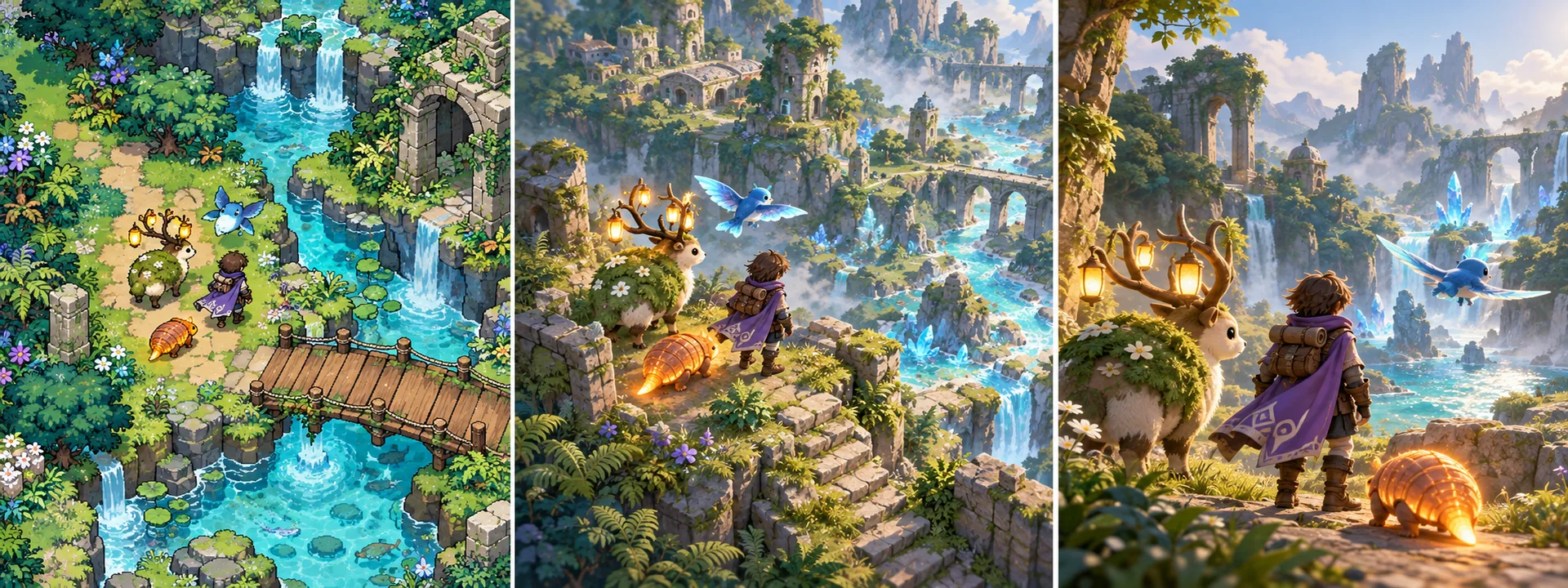
You are creating your own original game inspired by general mechanics. Pokémon is a reference, not an exact-copy brief or official project.
Choose the game you can finish
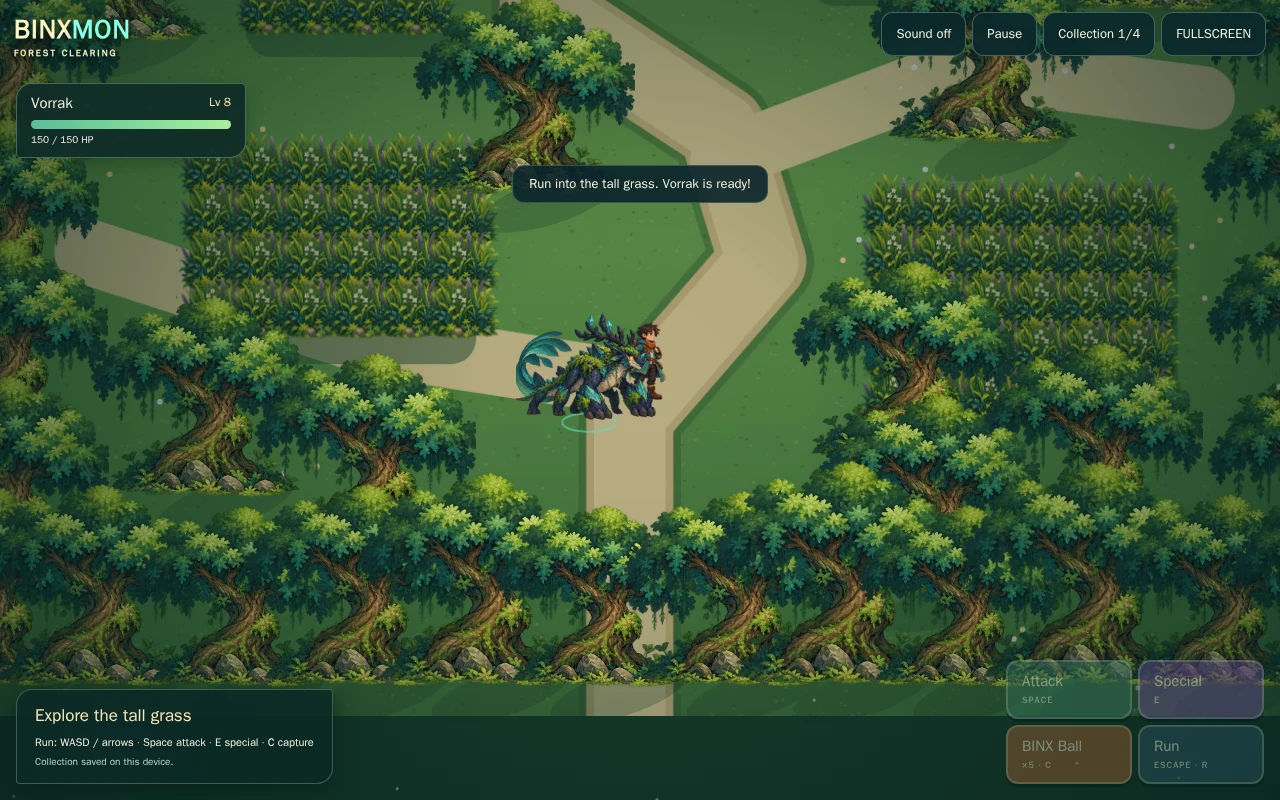
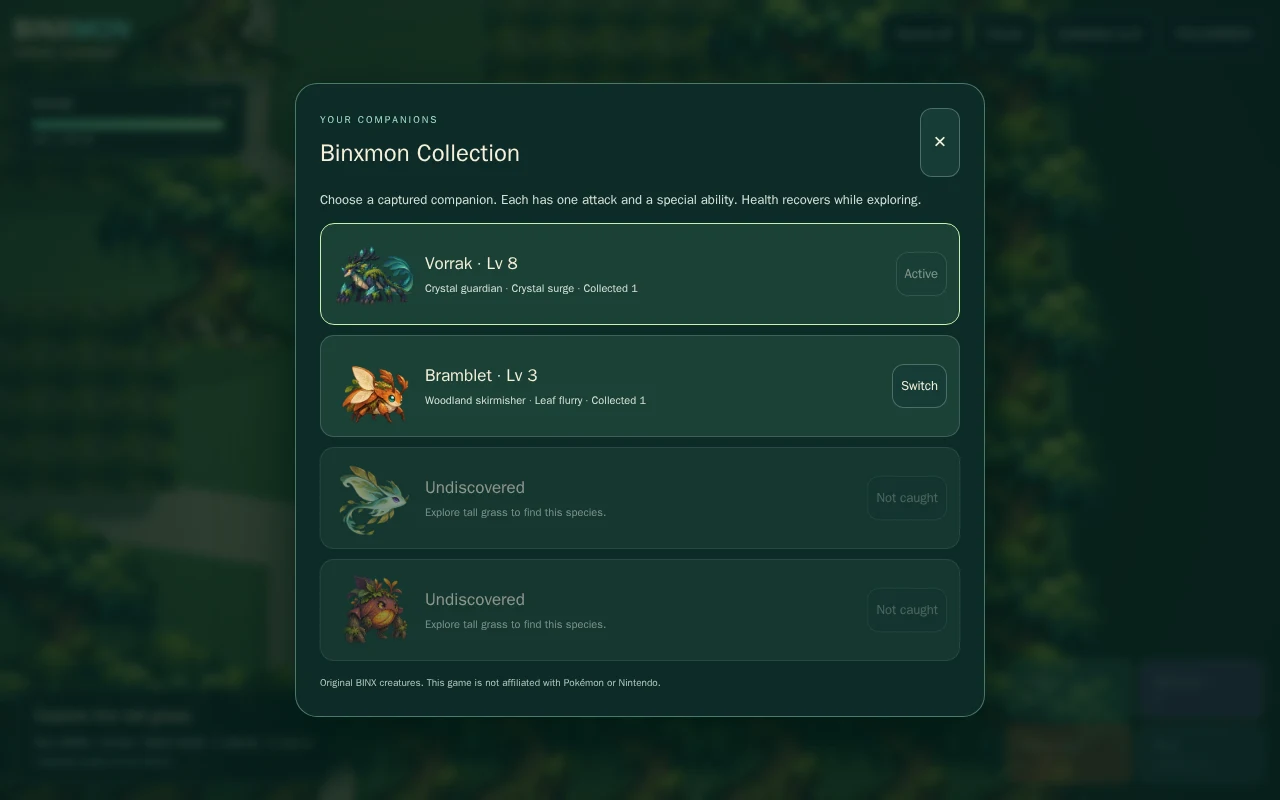
Your first milestone: One forest, three original creatures, one companion, two abilities, weakening/capture, collection selection and a validated save. Finish this slice before multiplying maps, characters or mechanics.
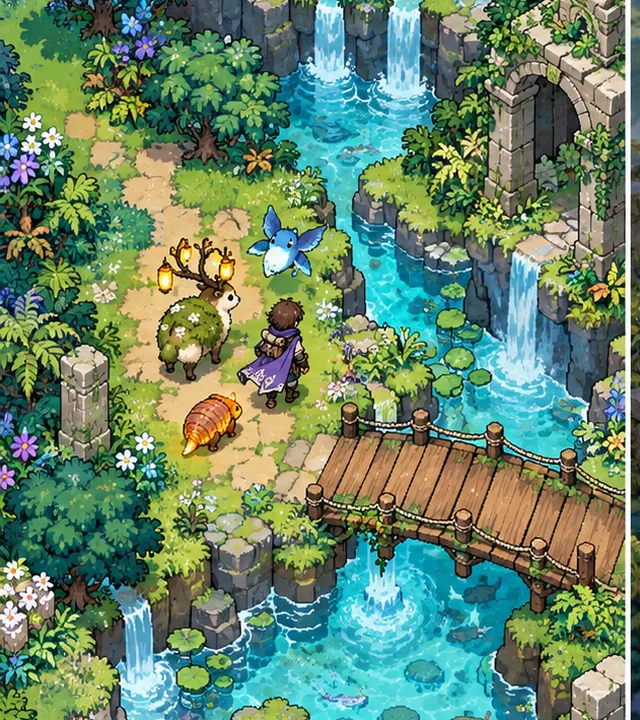
2D rpg
Top-down world and sprite creatures with a separate battle screen. The easiest route for a first collection RPG and mobile controls.
MAKE MY OWN 2D GAME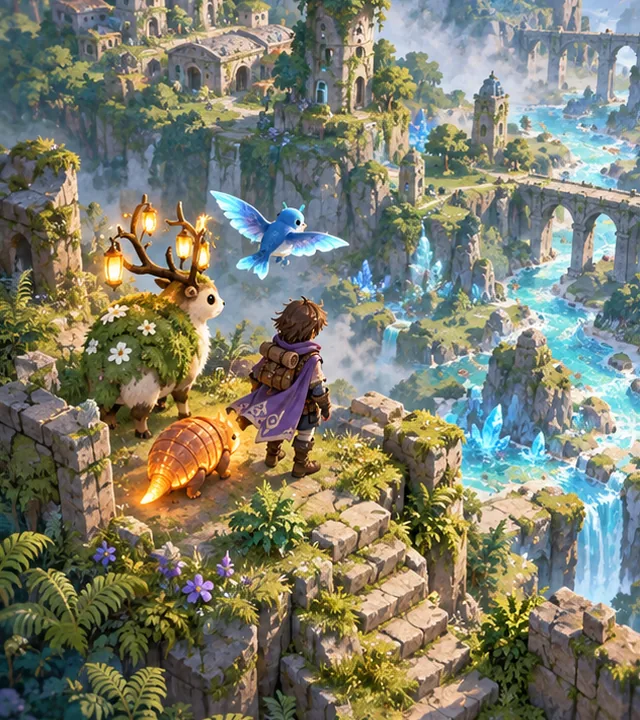
2.5D rpg
A 3D or layered isometric world with original sprite/3D creatures. Keep logical battle state independent from presentation.
MAKE MY OWN 2.5D GAME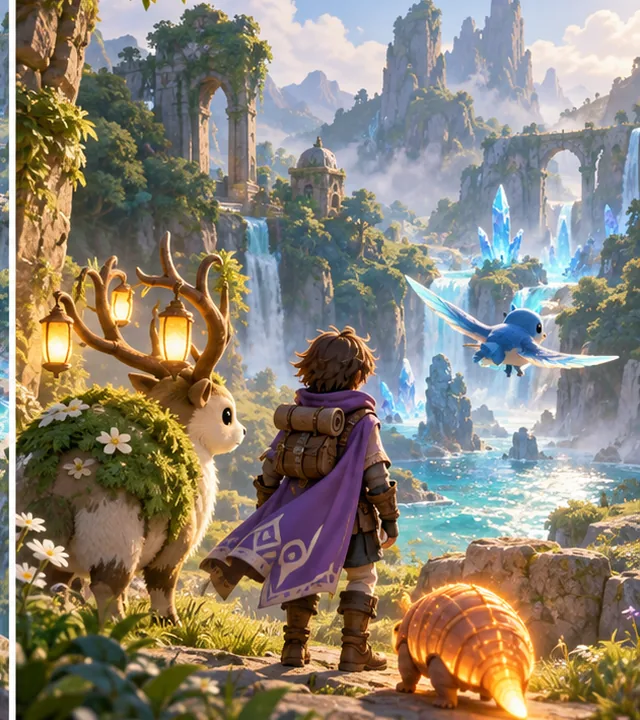
3D rpg
Third-person exploration and 3D creatures, with readable battle transitions. Budget rigging, collision and camera work separately from capture logic.
MAKE MY OWN 3D GAMESee what original creators have built
Godot demo projects
Feature-sized editor projects for movement, physics, tilemaps and UI. No verified AI-authorship claim.
Code and asset rights: MIT code; retain notices and inspect each demo’s asset credits
Compatibility: Use a demo branch matching your Godot editor; individual examples supply systems, not a complete game.
VIEW ORIGINAL GITHUB PROJECT ↗Source checked 11 October 2026 · pinned review; not whole-project runtime certification. Open the creator’s repository for genuine media; concept art here is separate.Step by step: build Lantern Wilds
These are an original implementation plan with explicit checks, not claims that every proposed engine integration has already been executed.
- STEP 1
Design three creatures with roles
Give each original species a name, silhouette, habitat, base health and two abilities. One individual instance holds a unique ID, current health and experience; species data must not hold shared mutable health.
Expected result: Three different companions can be collected without shared-state bugs.
Try this check: Damage one individual and confirm another of the same species is unchanged.
2D · Original AI-generated concept · not gameplay - STEP 2
Build exploration first
Use a Godot top-down movement example and one authored forest. Add run as a default speed or a held action, interact, pause, a joystick and large touch buttons. Keep paths and encounter zones visually distinct.
Expected result: The player can navigate a small original forest.
Try this check: Test touch cancellation, menu focus, narrow paths and movement at different frame rates.
Controls → state → feedbackTest touch cancellation, menu focus, narrow paths and movement at different frame rates.
Acceptance check · run this in your own project - STEP 3
Enter encounters through one state owner
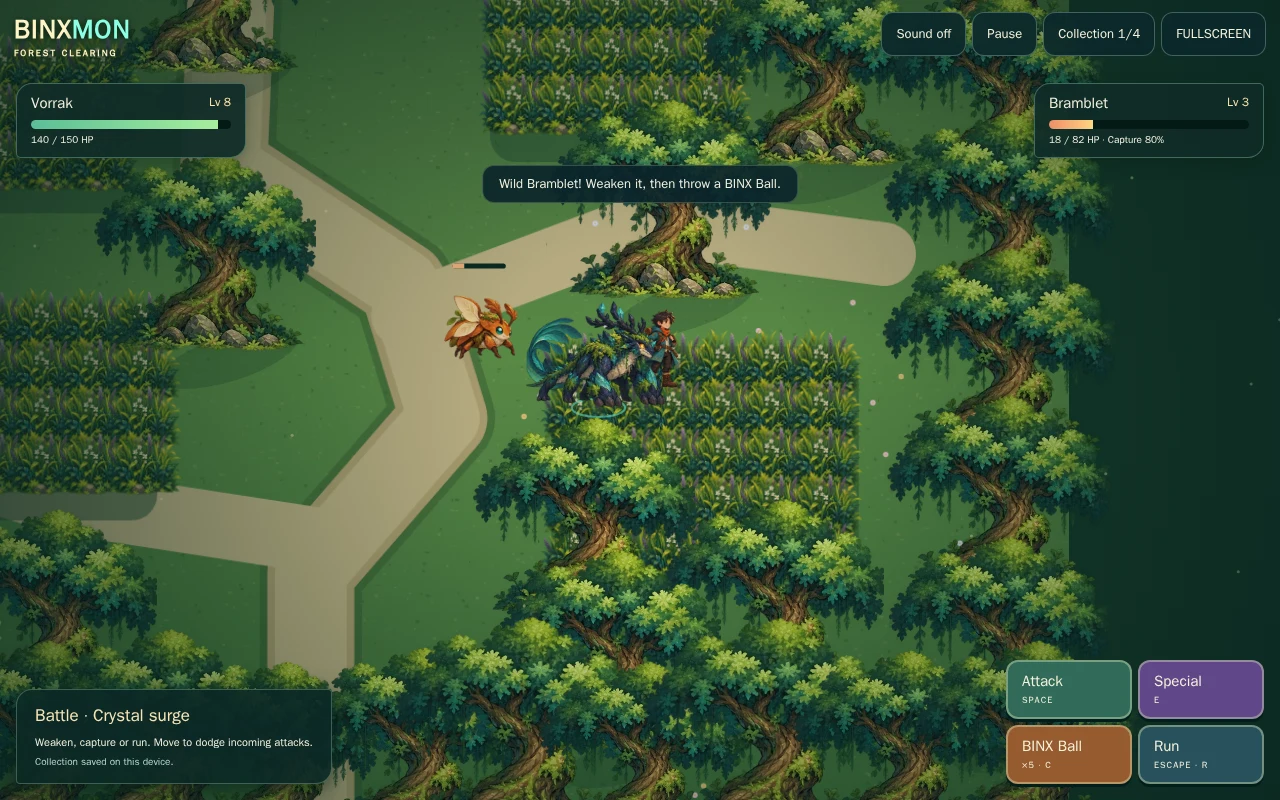
Use exploration, encounter intro, player choice, resolution and result states. Freeze world movement during battle. Roll encounters only on valid movement/zone events and apply a cooldown after leaving.
Expected result: A battle begins once and returns safely to exploration.
Try this check: Hold movement into a battle and restart twice: no duplicate encounter or stuck input.
2.5D · Original AI-generated concept · not gameplay - STEP 4
Resolve abilities consistently
Choose a move, select a valid target, calculate speed order and resolve health once. Show feedback before advancing the state. Clamp health and prevent a defeated creature from acting.
Expected result: A two-ability battle is predictable and readable.
Try this check: Try equal speed, zero health, an invalid target and a rapid double tap.
Validate → change once → show resultTry equal speed, zero health, an invalid target and a rapid double tap.
Acceptance check · run this in your own project - STEP 5
Capture and select companions
Allow capture only in a wild encounter with a capsule available. Consume one capsule once. Make lower health help capture, use a seeded RNG for tests and give success a new individual ID. Collection selection must preserve health.
Expected result: Captures grow the collection without duplicating rewards.
Try this check: Force success and failure in tests; reload after selecting a wounded companion.
3D · Original AI-generated concept · not gameplay - STEP 6
Persist progression and polish the forest
Save collection instances, selected ID, inventory, XP and quest IDs. Validate all IDs and clamp counts on load. Add original idle/run/attack frames, local sound, status text and image-independent labels.
Expected result: One complete explore, battle, capture and resume loop.
Try this check: Load an older or corrupt save; verify collection selection and rewards after restart.
Save → reload → compareLoad an older or corrupt save; verify collection selection and rewards after restart.
Acceptance check · run this in your own project
Start with a working reference
The related 2D workshop has a smaller runnable practice loop and public source. It is separate from this multi-dimension production roadmap.
Open the practical starter workshop →PLAY BINXMON · Actual BINX demo; its private runtime source is not distributed here.
Free code, assets and systems you can reuse
Godot supplies physics, input mapping, UI controls, animation tools, navigation and file APIs. Its demos illustrate individual systems. Reuse those before asking ChatGPT, Claude Code or Codex to recreate them; AI still has to adapt your game-specific rules. Work avoided is not a measured credit-saving percentage.
Kenney Tiny Dungeon
Original creator: Kenney.
CC0 · 2D tiles/characters; create original creature silhouettes.
View assets, real previews & licence ↗Kenney UI Pack
Original creator: Kenney.
CC0 · menus and battle controls; no franchise UI is bundled.
View assets, real previews & licence ↗Animation, UI, audio, inventory and saving
Keep one art scale and test one imported model or sprite first. Reuse engine animation states and native UI focus. Use original sound synthesis or an exact cleared audio pack. Define inventory/collection IDs and transaction rules as game data; a visual pack cannot implement those rules. Godot’s saving tutorial supplies a file-workflow starting point; add schema validation, migrations and error handling.
Godot saving tutorial ↗ · Animation integration guide · Add one code or asset resource
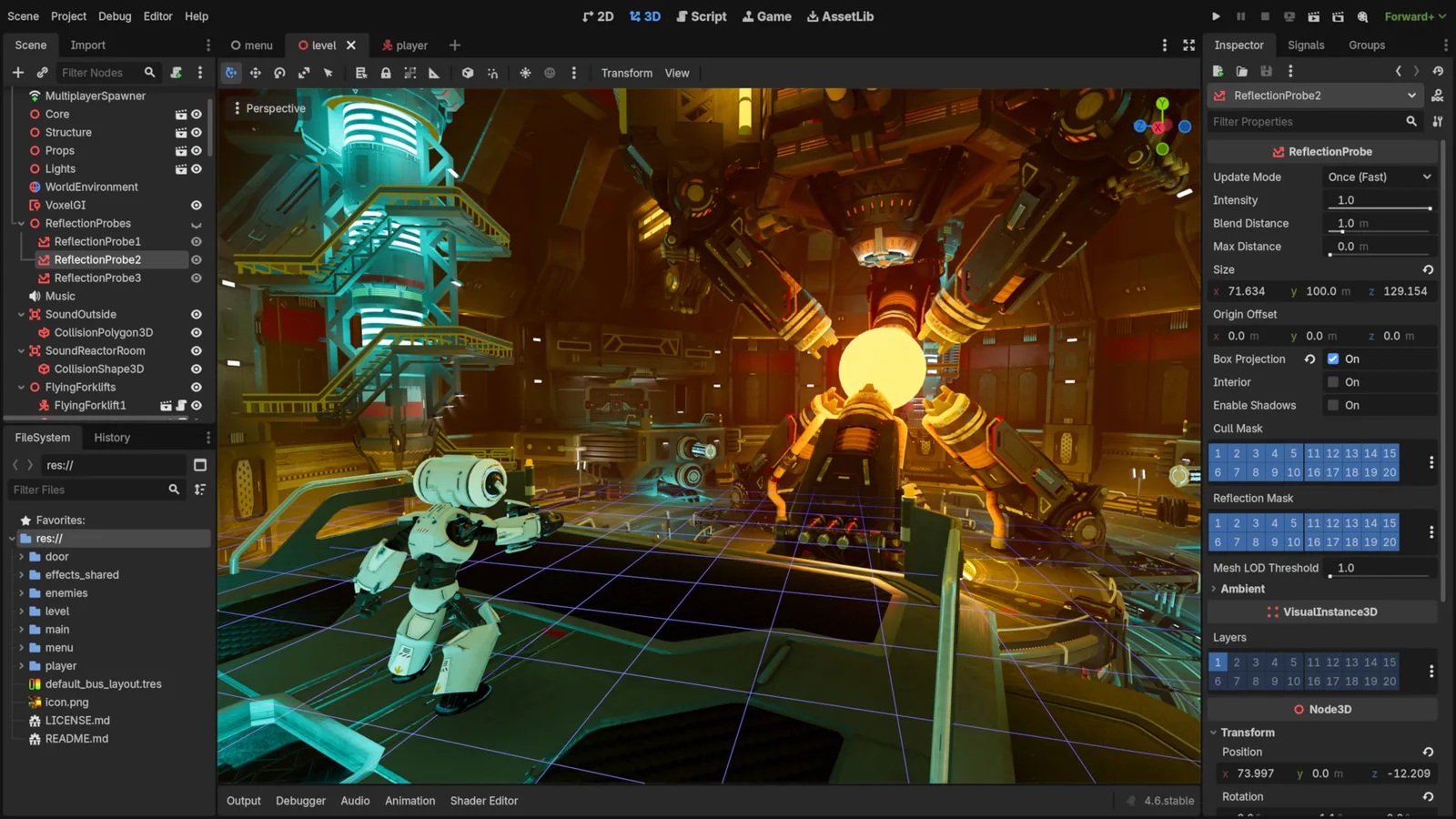
Godot Engine contributors · Original screenshot ↗ · CC BY 4.0 ↗. Resized and compressed.
Godot Engine contributorsGodot
Free, open-source game editor for 2D and 3D projects, with scene, animation and interface tools.
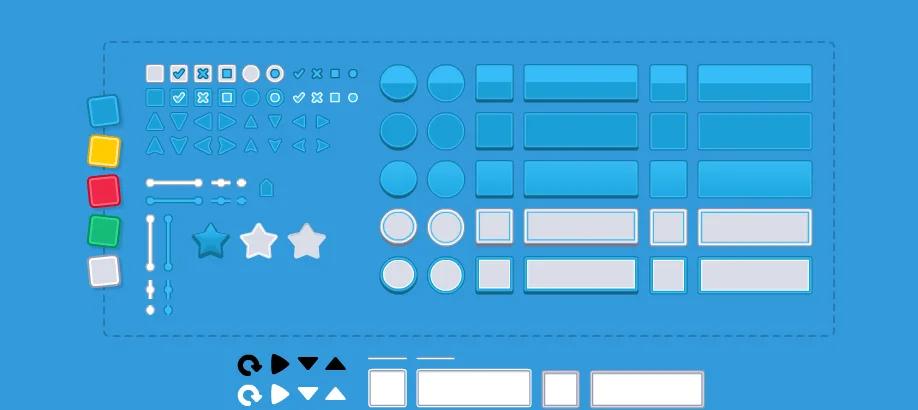
UI Pack
Interface artwork for buttons, panels and sliders.
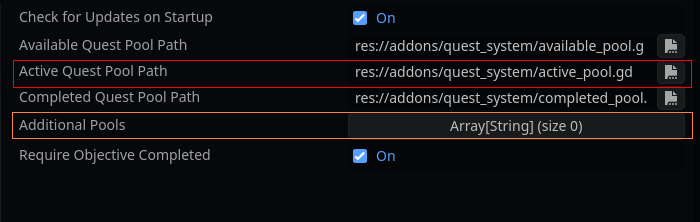
Shomy · Original screenshot ↗ · CC BY 4.0 ↗. Resized and compressed.
ShomyQuestSystem · Godot quests
Godot quest add-on for objectives, quest-state pools and localisation. Publisher marks version2.0.2 unstable.
Optional paid assets are for an evidenced gap such as extra animation actions or a consistent environment set. Keep the free baseline beside the paid option. Browse free resources · Compare optional paid resources. Check current prices at the creator; no commission-based ranking or invented improvement percentage.
Licensing summary, not legal advice. Before selling or publishing, check exact official terms. Finished-game use, reselling raw files and including files in a source/template product are separate permissions; art, audio, trademarks and promotional media have separate rights.
COPY PROMPT TO YOUR AI
Copy to make your own game. Choose a dimension below; each complete prompt includes the original concept, source links, controls, systems, phased work, checks and upgrades. Nothing is sent to an AI automatically.
Review the prompt, then copy it or select its text manually.
Your 2D game-building prompt
Review or manually copy this prompt
Your 2.5D game-building prompt
Review or manually copy this prompt
Your 3D game-building prompt
Review or manually copy this prompt
Make Your Game Even Better
Creature collection cards
Add role icons, health and selected-companion feedback without extra species.
Inspect the free resource and optional paid editions →
Review or manually copy this prompt
Abilities and quests
Add status durations and a single optional collection quest with one-time rewards.
Inspect the free resource and optional paid editions →
Review or manually copy this prompt
Ecology and party strategy
Add biome encounter tables and two-creature synergy while keeping battle rules deterministic.
Inspect the free resource and optional paid editions →
Review or manually copy this prompt
Questions before you build
Can I use Pokémon art in my own game?
This guide uses original creatures and public assets with checked terms. Do not bundle franchise characters, music, logos, maps or captured commercial game files.
Can I make this without coding experience?
An AI can explain and draft code, but you still need to run the project, inspect errors and test controls and saves. Start with the runnable workshop, use a supported engine, and ask for one small milestone at a time.
Will this save AI credits?
Reusing a controller, tilemap, UI component or verified asset can reduce rebuilding work. Credit use depends on your AI, prompt and iterations; no fixed saving is promised.