
How to Improve Game Animations Without Rebuilding Your Game
Audit one movement transition, fix timing and check rigs before buying more clips.
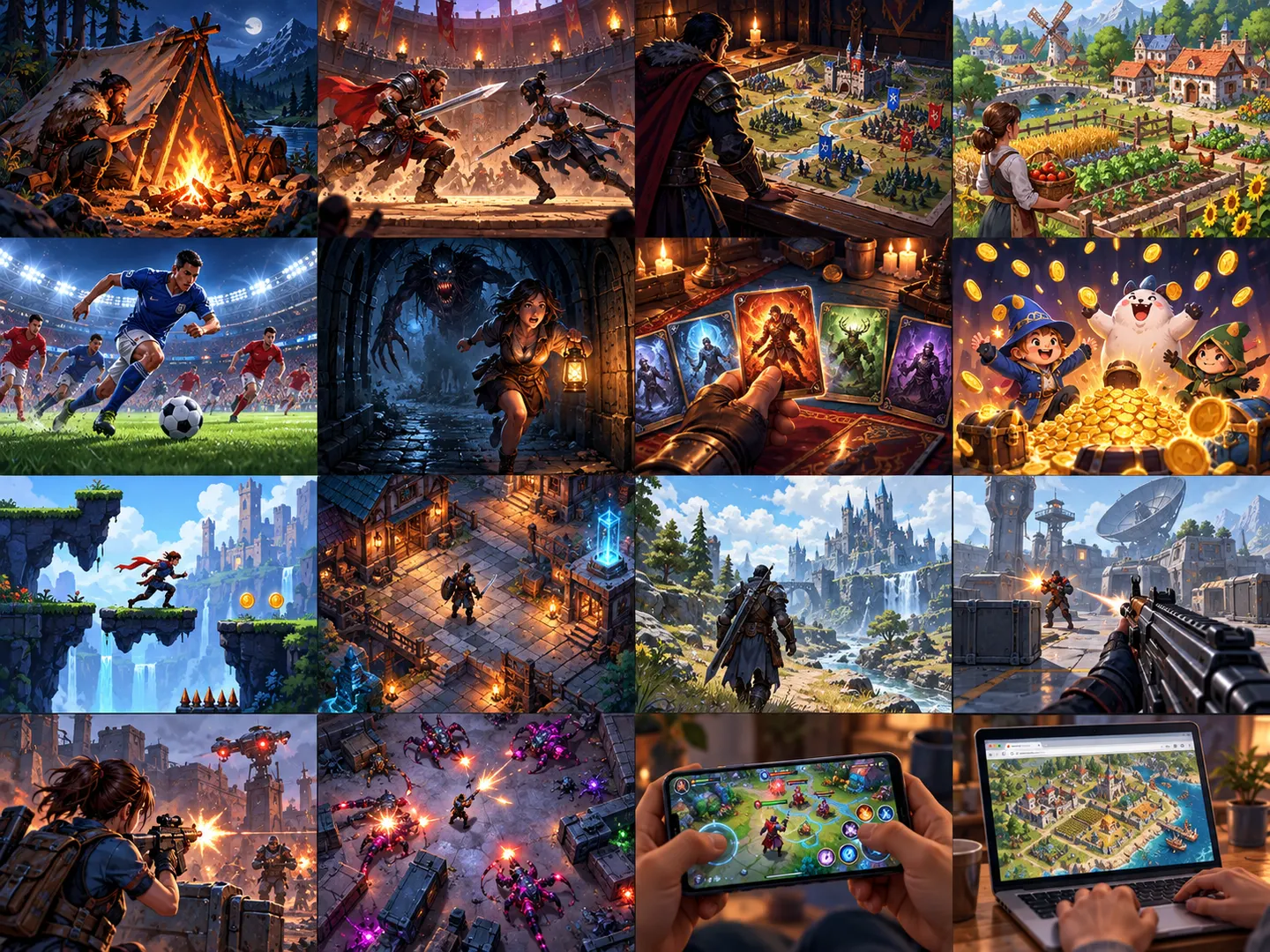
Your first playable milestone
Inspect the current project
Identify the animation controller, states, rig or sprite sheet already in use. Keep working movement code and save a baseline clip of the current behaviour.
Fix one transition
Choose idle-to-walk, attack-to-recovery or landing. Check playback speed, loop settings and state exit conditions before replacing the asset. Compare the same camera and movement input.
Match the representation
2D frame animation and 3D skeletal clips need different import paths. A 3D library needs a compatible rig or tested retargeting; do not promise that a clip works on any character.
Try the free set first
Quaternius and KayKit have edition-specific offers in the catalogue. Check the actual free clips, source files and rig details. Pay only when an identified missing action justifies the extra edition.
Measure the result honestly
Check foot sliding, duplicate state transitions, attack timing and performance. A smoother preview is qualitative evidence; do not invent a percentage improvement. Keep the before/after test repeatable.
Building blocks from original creators
Start with the free edition where it fits. Paid editions and services are optional; inspect current prices, licence conditions and engine versions. Preview credits appear on each resource card.
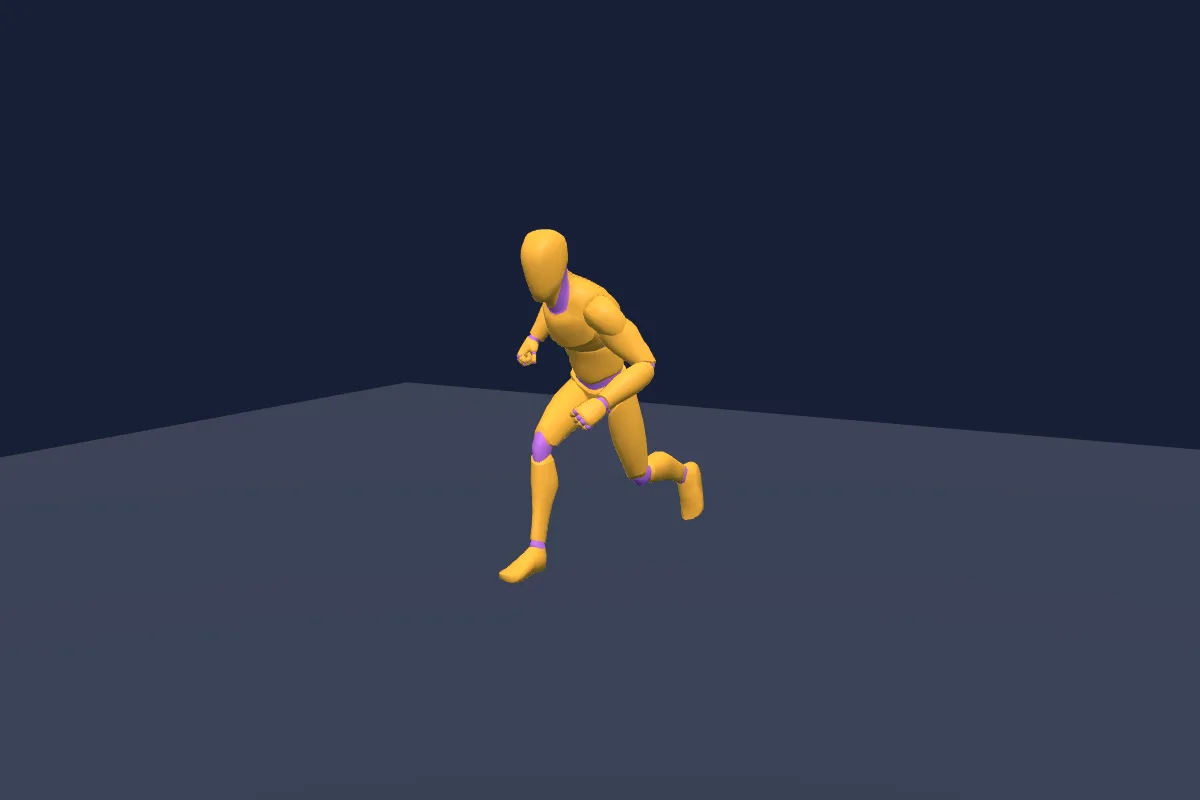
Universal Animation Library
Humanoid animation library with a free subset and expanded paid editions.
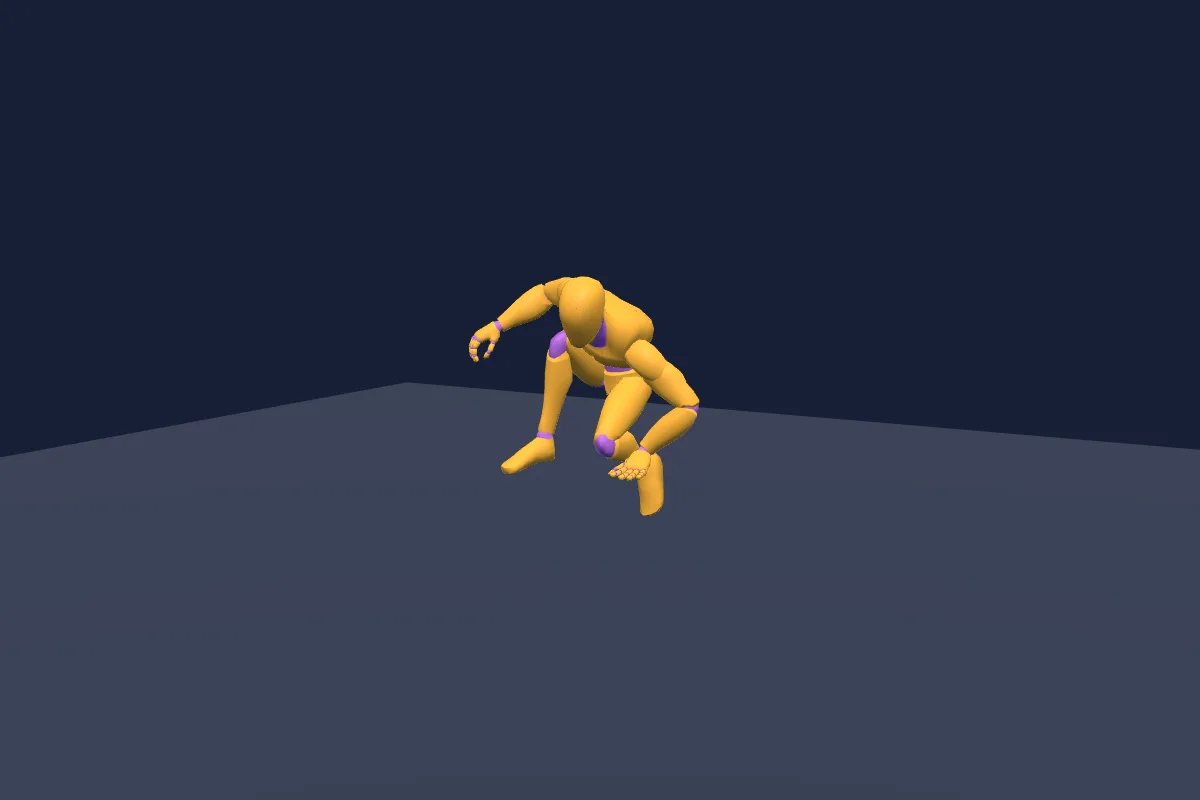
Universal Animation Library 2
Additional humanoid moves with separate free and full-library editions.
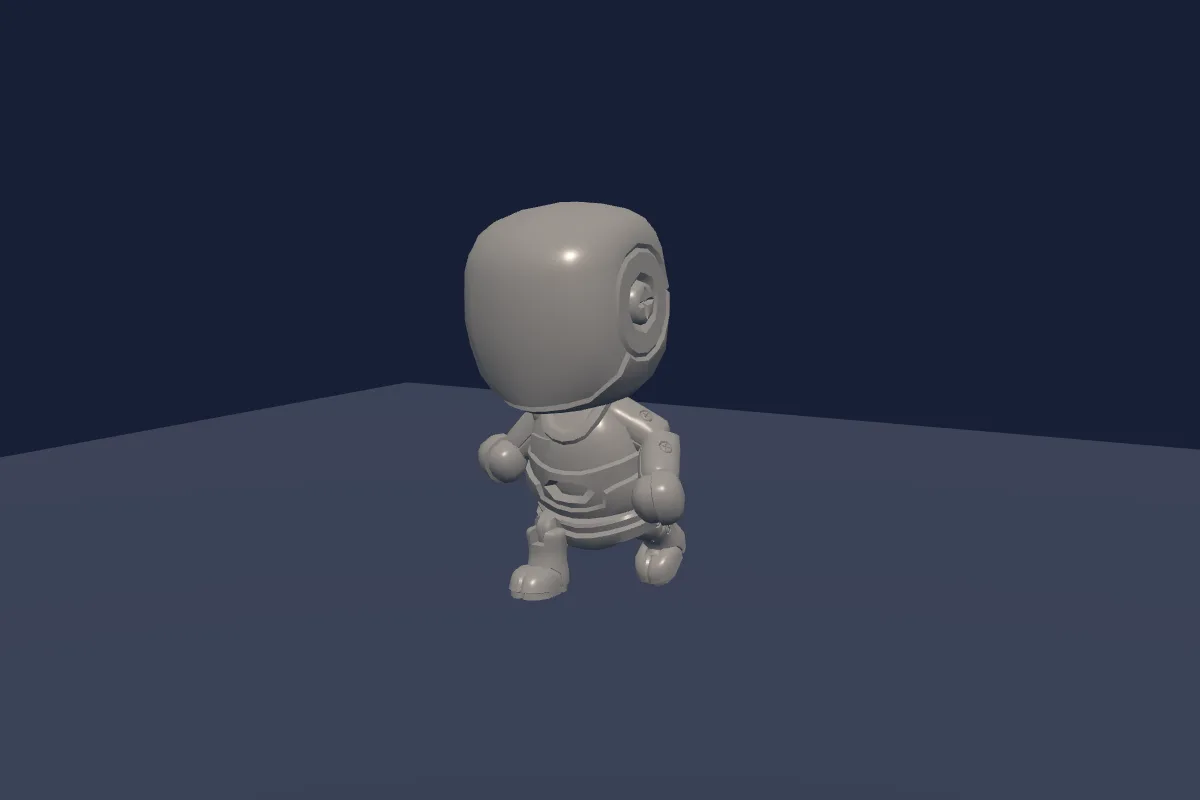
KayKit Character Animations
Humanoid movement, combat and activity clips built for KayKit rigs.

Simple animated character
Top-down pixel character sheets for movement and attacks; slicing and game logic required.
Check compatibility before importing
- Universal Animation Library · by Quaternius · FBX, GLB · CC0-1.0. Original source ↗
- Universal Animation Library 2 · by Quaternius · FBX, GLB · CC0-1.0. Original source ↗
- KayKit Character Animations · by Kay Lousberg · FBX, GLB · CC0-1.0. Original source ↗
- Simple animated character · by Danilo Mattos · PNG · CC0-1.0. Original source ↗
For each listing, review the separate permissions to sell a finished game, redistribute files and include files in a source/template product. No pack is implied to contain a complete game or all the mechanics below.
Learn at the original sources
These links support the technical background. The starter milestones above are original Forge recommendations, not claims that a third-party tutorial implements this complete concept.
Build your own version
Build Now: One arena and one opponent; Attack, block and dodge with readable recovery; Health, round reset and a win screen. Quick Build: A side-view duel with one attack, health bars and a restart; omit combos and online play.
Explore Arena Fighter and its copy-ready AI prompt →Can I use these resources in a commercial game?
Check each exact licence and edition. A permission to sell a game does not automatically allow reselling the original pack or including its files in a reusable source product. Keep attribution and notices when required.
Take this guide to your AI
Review the prompt and add project context only where sharing is permitted.