
How to Make a Mario Kart-Style Racing Game With AI — Free Kart Physics, Tracks & Assets
Create your own colourful arcade kart racer with rivals, powers and lap progression. A short polished track beats a large unfinished championship.
Reimagine the mechanics in your own style: original characters, artwork and world. This independent guide builds Comet Circuit, rather than recreating Mario Kart or its commercial assets.
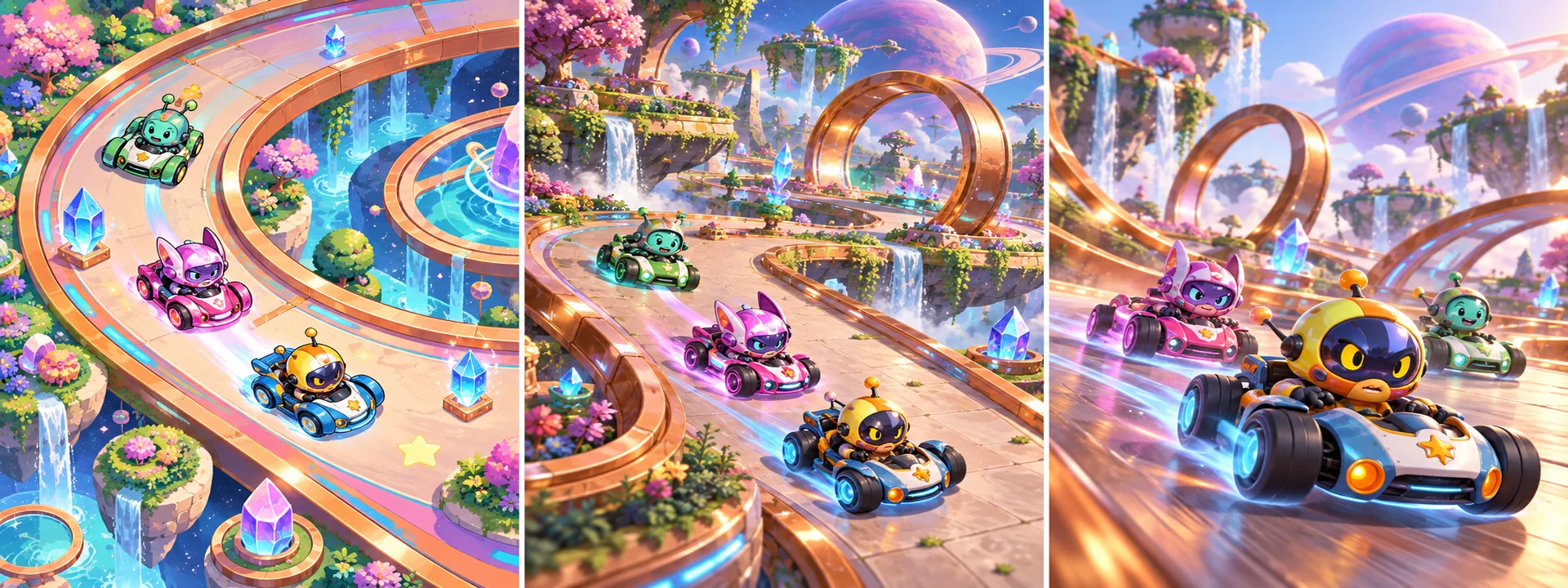
You are creating your own original game inspired by general mechanics. Mario Kart is a reference, not an exact-copy brief or official project.
Choose the game you can finish
Your first milestone: One short circuit, one kart, two waypoint rivals, three ordered laps, one power-up, touch controls and a saved best time. Finish this slice before multiplying maps, characters or mechanics.
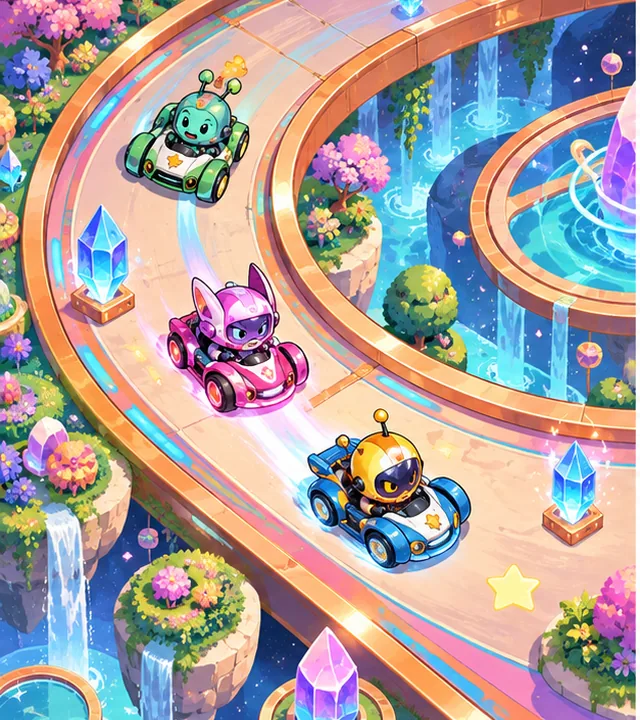
2D racing
Top-down car dynamics, a sprite track and ordered checkpoint gates. Ideal for a first mobile or browser racing loop.
MAKE MY OWN 2D GAME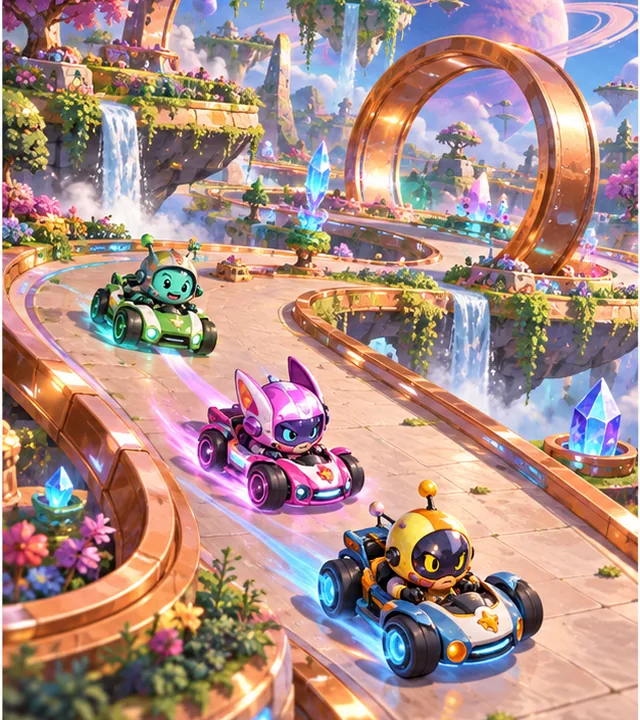
2.5D racing
A fixed isometric camera over a 3D track. Physics remains in world coordinates; test steering readability at every turn.
MAKE MY OWN 2.5D GAME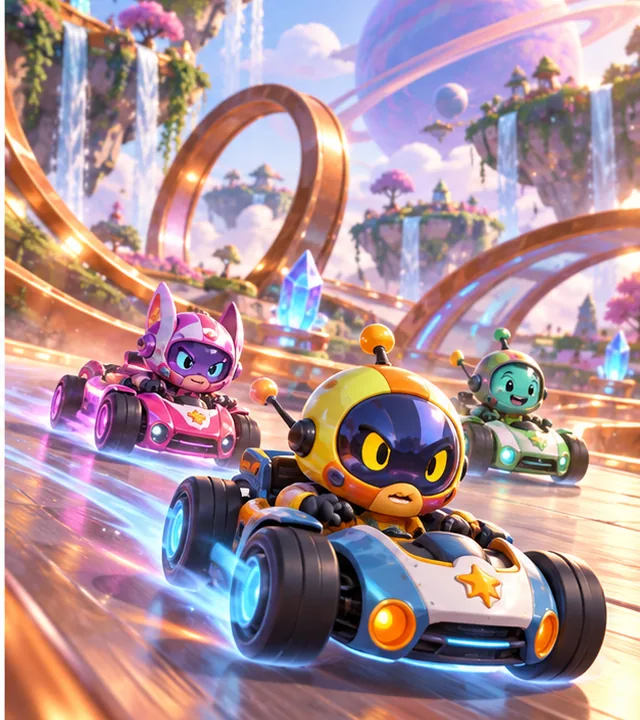
3D racing
A chase camera, 3D kart and bounded arcade physics. Match art scale, collision and suspension if using a wheel-based controller.
MAKE MY OWN 3D GAMESee what original creators have built
Godot demo projects
Feature-sized editor projects for movement, physics, tilemaps and UI. No verified AI-authorship claim.
Code and asset rights: MIT code; retain notices and inspect each demo’s asset credits
Compatibility: Use a demo branch matching your Godot editor; individual examples supply systems, not a complete game.
VIEW ORIGINAL GITHUB PROJECT ↗Source checked 11 October 2026 · pinned review; not whole-project runtime certification. Open the creator’s repository for genuine media; concept art here is separate.SuperTuxKart
A complete open-source kart racer to study race systems and track design. Keep its engine boundaries distinct from your own implementation. No verified AI-authorship claim.
Code and asset rights: GPL code and separately licensed game data; inspect file headers and COPYING
Compatibility: C++ racing reference, not a Godot plug-in. Copying covered code brings GPL obligations; this tutorial uses an independent Godot approach.
VIEW ORIGINAL GITHUB PROJECT ↗Source checked 11 October 2026 · pinned review; not whole-project runtime certification. Open the creator’s repository for genuine media; concept art here is separate.Step by step: build Comet Circuit
These are an original implementation plan with explicit checks, not claims that every proposed engine integration has already been executed.
- STEP 1
Greybox a complete small circuit
Make an oval with two different corners, a start grid, barriers and a recovery strip. Assign ordered checkpoint IDs and finish direction. Keep track width generous enough for three karts.
Expected result: One route is raceable from start to finish.
Try this check: Drive slowly around it in both directions and identify valid gate crossings.
2D · Original AI-generated concept · not gameplay - STEP 2
Tune arcade handling before art
Use a simple kinematic controller or a matching physics demo. Separate throttle, brake and steer. Reduce turn rate at high speed, expose grip parameters and provide a safe reset.
Expected result: One kart feels responsive across the entire track.
Try this check: Brake into both corners, reverse, collide with a barrier and recover.
Controls → state → feedbackBrake into both corners, reverse, collide with a barrier and recover.
Acceptance check · run this in your own project - STEP 3
Validate laps by ordered progress
Track the next expected gate per racer. Crossing the finish awards a lap only after every required gate in order and the correct direction. Race results trigger once.
Expected result: A timer and three-lap race cannot be shortcut by crossing the line repeatedly.
Try this check: Cross the finish backwards, skip a gate and finish twice.
2.5D · Original AI-generated concept · not gameplay - STEP 4
Give rivals the same rules
Author racing-line waypoints with speed targets. Rivals steer toward a lookahead point and brake before sharp corners. They use the same lap gates and collision rules; reset only with a visible penalty.
Expected result: Two opponents can finish without teleporting around turns.
Try this check: Block a rival at a corner and compare its recovery and recorded gate order.
Validate → change once → show resultBlock a rival at a corner and compare its recovery and recorded gate order.
Acceptance check · run this in your own project - STEP 5
Introduce one original power
Use a crystal pulse with a readable range, cooldown and duration. Power pickups respawn under one owner. Cap catch-up help and avoid permanent stun locks or unavoidable effects at the finish.
Expected result: A simple power adds excitement while driving stays central.
Try this check: Try simultaneous pickup claims, expiry during pause and repeated hits on a slowed rival.
3D · Original AI-generated concept · not gameplay - STEP 6
Add camera, touch and progression
A chase camera follows the kart with bounded smoothing and collision protection; top-down cameras remain stable. Add large steering/brake/power buttons. Save best time and earned unlock IDs after confirmed results.
Expected result: One complete race works with keyboard and touch layouts.
Try this check: Reload after a result, cancel a held touch and check timer/power pause behaviour.
Save → reload → compareReload after a result, cancel a held touch and check timer/power pause behaviour.
Acceptance check · run this in your own project
Start with a working reference
The related 2D workshop has a smaller runnable practice loop and public source. It is separate from this multi-dimension production roadmap.
Open the practical starter workshop →
Free code, assets and systems you can reuse
Godot supplies physics, input mapping, UI controls, animation tools, navigation and file APIs. Its demos illustrate individual systems. Reuse those before asking ChatGPT, Claude Code or Codex to recreate them; AI still has to adapt your game-specific rules. Work avoided is not a measured credit-saving percentage.
Kenney Racing Kit
Original creator: Kenney.
CC0 · 3D karts and track art; controller/AI are separate.
View assets, real previews & licence ↗Kenney UI Pack
Original creator: Kenney.
CC0 · lap/timer/results controls.
View assets, real previews & licence ↗Animation, UI, audio, inventory and saving
Keep one art scale and test one imported model or sprite first. Reuse engine animation states and native UI focus. Use original sound synthesis or an exact cleared audio pack. Define inventory/collection IDs and transaction rules as game data; a visual pack cannot implement those rules. Godot’s saving tutorial supplies a file-workflow starting point; add schema validation, migrations and error handling.
Godot saving tutorial ↗ · Animation integration guide · Add one code or asset resource
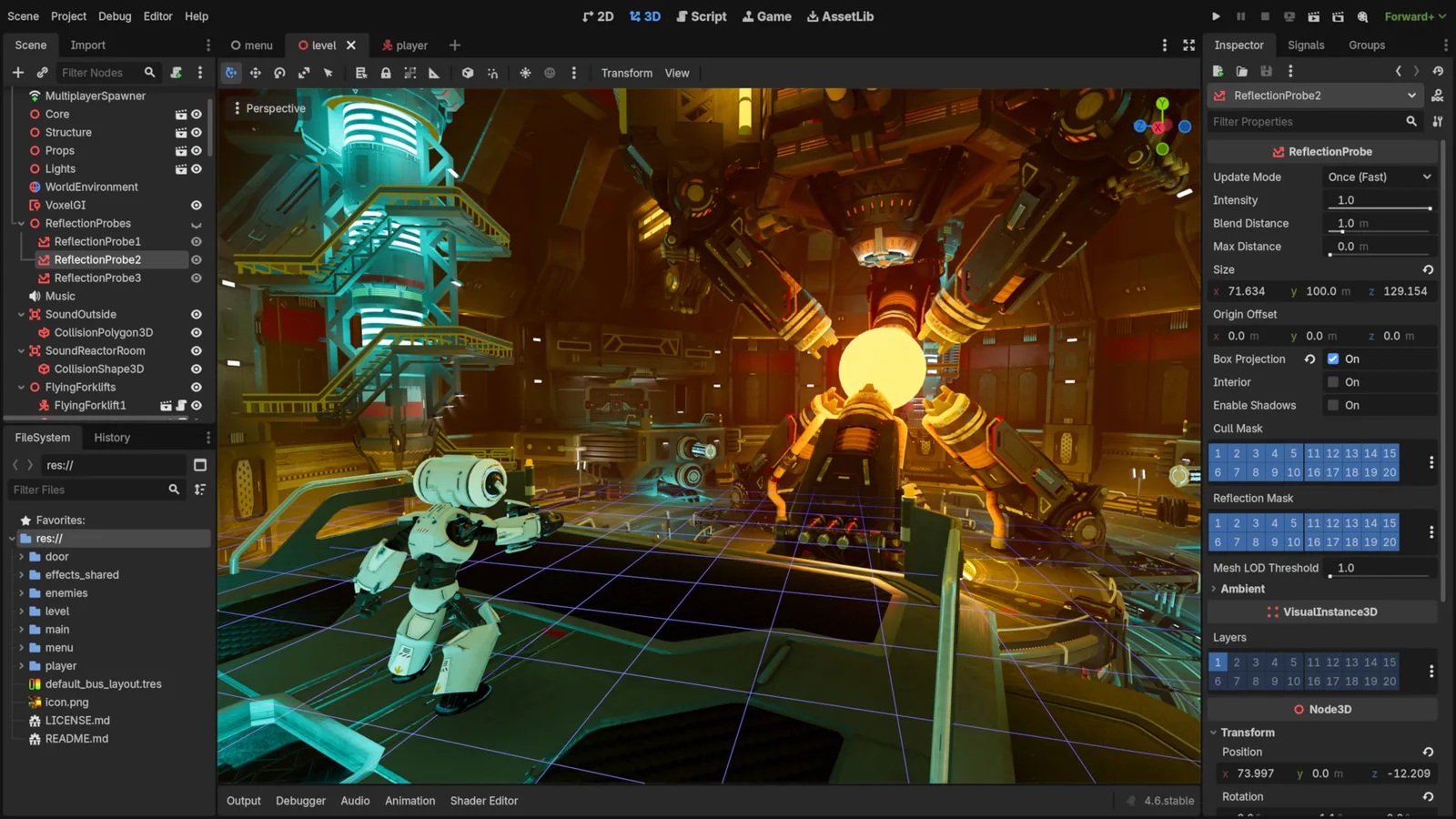
Godot Engine contributors · Original screenshot ↗ · CC BY 4.0 ↗. Resized and compressed.
Godot Engine contributorsGodot
Free, open-source game editor for 2D and 3D projects, with scene, animation and interface tools.
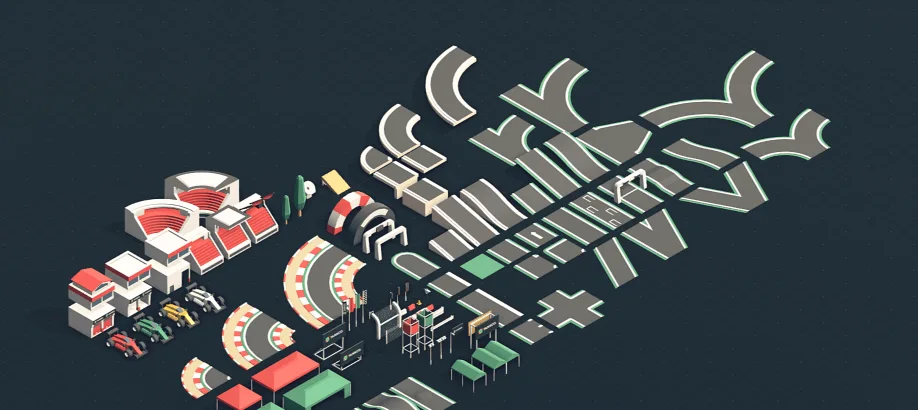
Racing Kit
Track and vehicle artwork for arcade racing scenes.
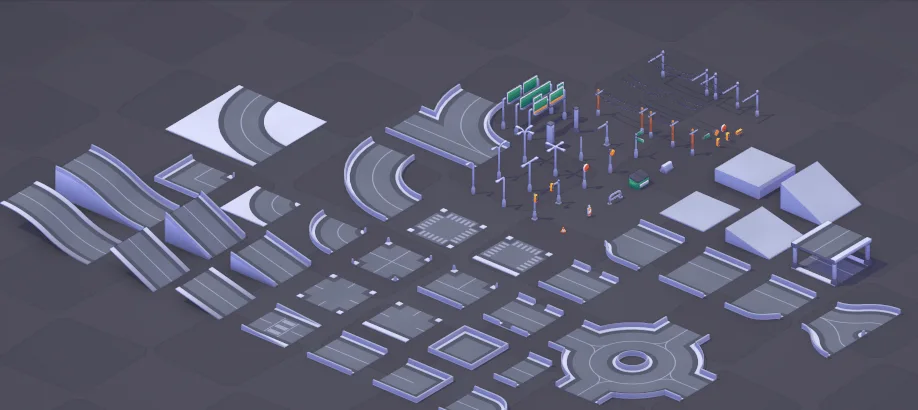
City Kit (Roads)
Road assets for city layouts and driving prototypes.
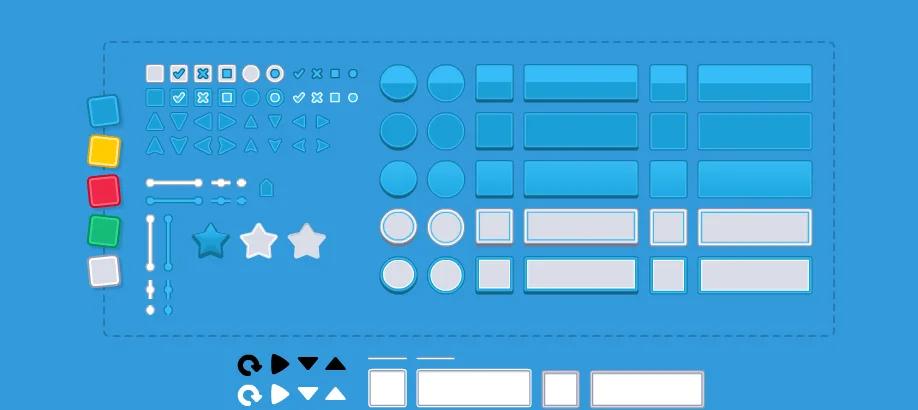
UI Pack
Interface artwork for buttons, panels and sliders.
Optional paid assets are for an evidenced gap such as extra animation actions or a consistent environment set. Keep the free baseline beside the paid option. Browse free resources · Compare optional paid resources. Check current prices at the creator; no commission-based ranking or invented improvement percentage.
Licensing summary, not legal advice. Before selling or publishing, check exact official terms. Finished-game use, reselling raw files and including files in a source/template product are separate permissions; art, audio, trademarks and promotional media have separate rights.
COPY PROMPT TO YOUR AI
Copy to make your own game. Choose a dimension below; each complete prompt includes the original concept, source links, controls, systems, phased work, checks and upgrades. Nothing is sent to an AI automatically.
Review the prompt, then copy it or select its text manually.
Your 2D game-building prompt
Review or manually copy this prompt
Your 2.5D game-building prompt
Review or manually copy this prompt
Your 3D game-building prompt
Review or manually copy this prompt
Make Your Game Even Better
Clear race feedback
Add next-gate direction, lap feedback and an honest final time.
Inspect the free resource and optional paid editions →
Review or manually copy this prompt
Rival personalities
Give rivals different corner targets and one readable power while keeping shared race rules.
Inspect the free resource and optional paid editions →
Review or manually copy this prompt
Championship and ghosts
Add a short championship and versioned ghost inputs only after deterministic timing and replay checks.
Inspect the free resource and optional paid editions →
Review or manually copy this prompt
Questions before you build
Can I paste SuperTuxKart code into Godot?
It is a separate C++ game codebase, not a Godot controller. Study its approach; importing covered code requires matching technical integration and GPL obligations.
Can I make this without coding experience?
An AI can explain and draft code, but you still need to run the project, inspect errors and test controls and saves. Start with the runnable workshop, use a supported engine, and ask for one small milestone at a time.
Will this save AI credits?
Reusing a controller, tilemap, UI component or verified asset can reduce rebuilding work. Credit use depends on your AI, prompt and iterations; no fixed saving is promised.