
How to Make an Arena Fighter with AI: A Small 2D Game Recipe
Build one original platform arena, one fighter and one basic opponent. Follow five stages, copy the existing Quick Prompt, try BINX Brawl and improve your own version.
Learn it → Try it → Build your own → Improve it.
What you will build
One tiny platform arena, one original player fighter versus one basic AI, move, jump, one light attack, simple damage/knockout and restart. No roster, heavy/special moves or online play. Start with original shapes, readable health and keyboard plus touch controls. The starting prompt requests complete HTML, JavaScript and Canvas in one file; review and test the AI’s result.
Play an Example: BINX Brawl
Try movement, jumping and readable attacks in this existing platform arena fighter. It is a larger game than your starter; its roster, heavy attacks and online systems are outside this recipe.
Play an Example on BINX ↗Direct launch is supported by the current BINX source. Live availability could not be confirmed on 10 October 2026 because this environment received an access block. If it does not open, continue with Quick Prompt above. This is a reference game, not a step-by-step demonstration of your generated code. No game is loaded automatically.
Five build stages
Make movement readable
Start with one self-contained HTML/Canvas file, a floor and two platforms. Draw original shapes; add left/right movement and jump. Use elapsed time, grounded checks and one collision owner. Expected result: the fighter lands reliably without falling through the floor.
Prove one attack
Add one light attack with a visible wind-up, active hit window and cooldown. Give each attack an identifier so one swing cannot hit the same target every frame. Keep the hurtbox separate from the artwork. Expected result: one accepted hit reduces health once.
Add one basic opponent
Use a second original shape. Give it a simple approach/attack/recovery state and safe starting distance. Keep it inside the same arena; do not install a pathfinder for an open floor. Expected result: the opponent can act, take damage and be defeated.
Finish the small loop
Show readable health, clear win/loss and a restart button. Clear held keys on blur and pointer cancellation. Add labelled touch movement/jump/attack controls, pause and safe resize behavior. Expected result: two consecutive rounds start with clean health, positions, timers and input.
Test, then make one upgrade
Test keyboard and actual touch input, miss/hit/cooldown, defeat, pause, resize and repeated restart. Compare one change against the same baseline. Add art, sound or a second arena only after the first loop works. Expected result: one documented improvement with the original controls and outcomes still working.
Copy Prompt: start your original game
This reuses the existing Brawl Quick Prompt with keyboard and touch controls, then adds the recipe stages and currently published resource facts. You choose when to send it to your AI.
Select and copy the text below if clipboard access is unavailable.
Read this complete recipe as Markdown →Choose a compatible route
- Browser first: native HTML/Canvas, keyboard and touch. No package, engine subscription or remote dependency is required by the starting prompt.
- Godot alternative: use native 2D bodies, collision and input in your existing compatible project. Adapt the mechanics rather than pasting JavaScript into GDScript. Follow the tested starter workflow, then test your exact export target.
- Construct alternative: use event sheets in a compatible existing project. Check the current free-edition limits and paid commercial/export terms before choosing it. A paid plan is optional, not required for this browser prototype.
Browser and desktop are first targets. Touch buttons do not establish native Android/iOS support or a measured phone frame rate. Keep the project’s working engine if you already have one.
Building blocks from original creators
Start with the free edition where it fits. Paid editions and services are optional; inspect current prices, licence conditions and engine versions. Preview credits appear on each resource card.
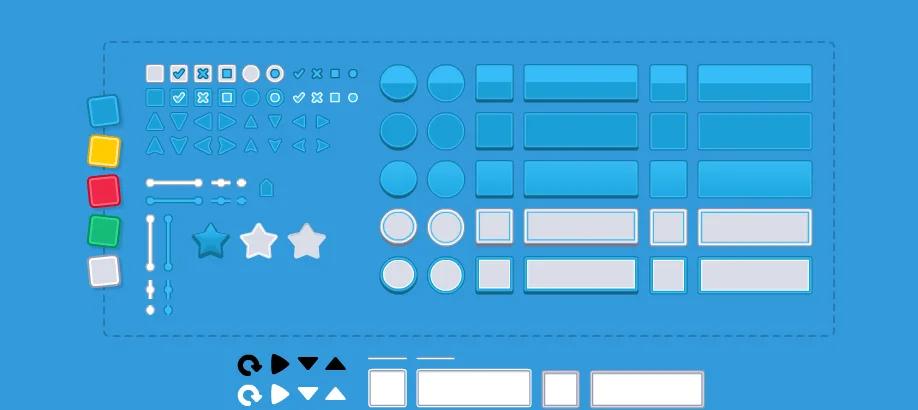
UI Pack
Interface artwork for buttons, panels and sliders.
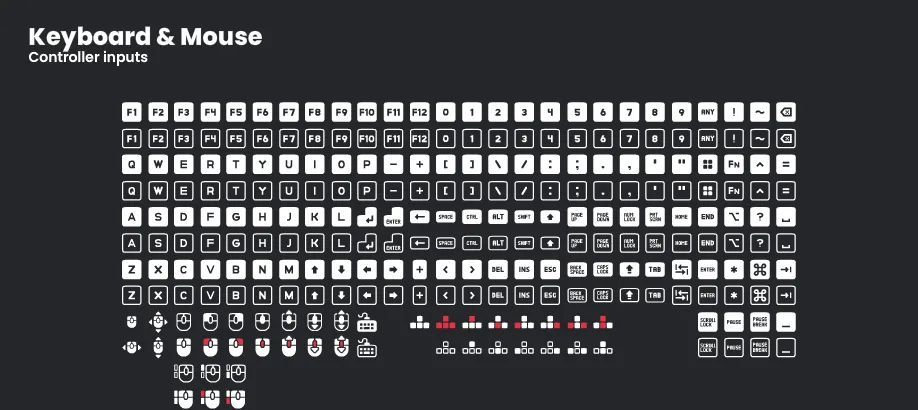
Input Prompts
Control glyphs that show players which button or gesture to use.
Impact Sounds
Short impacts and footsteps for action feedback and surface changes.
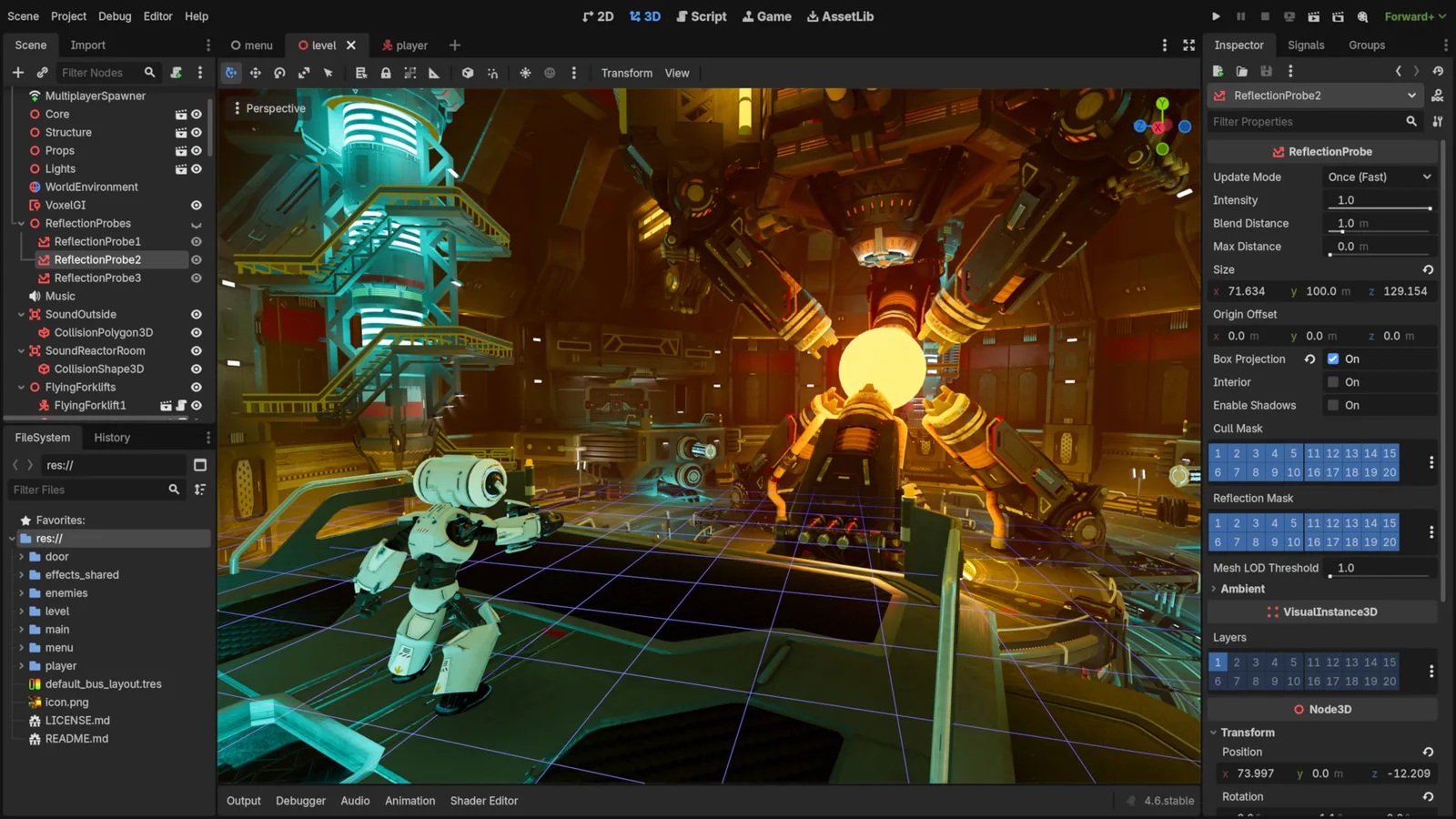
Godot Engine contributors · Original screenshot ↗ · CC BY 4.0 ↗. Resized and compressed.
Godot Engine contributorsGodot
Free, open-source game editor for 2D and 3D projects, with scene, animation and interface tools.
Construct 3
Visual-event game editor with commercial subscriptions. Supports 2D and 3D rendering; built-in collisions remain 2D.
Check compatibility before importing
- UI Pack · by Kenney · OGG, PNG, SVG · CC0-1.0. Original source ↗
- Input Prompts · by Kenney · PNG, SVG · CC0-1.0. Original source ↗
- Impact Sounds · by Kenney · OGG · CC0-1.0. Original source ↗
- Godot · by Godot Engine contributors · See source for formats · MIT. Original source ↗
- Construct 3 · by Scirra · Visual events, JavaScript / TypeScript, GLTF / GLB model input · Construct 3 commercial subscription terms. Original source ↗
For each listing, review the separate permissions to sell a finished game, redistribute files and include files in a source/template product. No pack is implied to contain a complete game or all the mechanics below.
UI and input packs cover interface roles; sounds cover feedback. They do not include the opponent AI, fighter animations or complete game. Godot and Construct are engine alternatives, not dependencies of the native Canvas prompt. Free-only is enough for the first build; a paid editor is useful only if its workflow and actual export needs justify the cost.
One upgrade at a time
Clearer hits — follow-up prompt
Keep the current combat rules. Add a brief original impact flash on an accepted hit and a readable recovery pose. Keep the hitbox unchanged. Return the complete changed file and compare a hit, miss and held attack before/after; report only tests actually run.
One new arena — follow-up prompt
Keep the working controller and combat. Add one hand-authored platform layout using the existing level-data format, a safe spawn for each fighter and a reset path. Test every jump, edge, landing and restart before adding random generation.
Sound that stays optional — follow-up prompt
Preserve silent play. Add an explicit sound toggle and one permitted short impact sound only on accepted damage. Credit the exact creator, retain its licence, cap overlapping voices and test muted play, repeated hits and restart.
Troubleshooting
- Damage repeats during one swing
Separate attack state from damage application. Track targets hit by the current attack identifier, then clear that set only for the next attack.
- The fighter falls through a platform
Check previous/current positions, vertical velocity and platform bounds. Keep one collision owner and test a large frame interval; reduce or subdivide the physics step if needed.
- The game keeps moving after release
Clear held input on blur, visibility change, pointercancel and lostpointercapture. A pointer leaving a touch button must not leave movement stuck.
- The opponent attacks constantly
Give approach, wind-up, active and recovery distinct states. Test with a stationary player before increasing speed or adding opponents.
- The AI returns fragments or asks many questions
Paste the exact Quick Prompt into a fresh chat. Request the complete runnable HTML file now, then fix one redacted error at a time while preserving working code.
Desktop, mobile and performance checks
Run two full rounds on the actual desktop browser and a physical phone. Test every labelled action, multi-touch release/cancellation, keyboard focus, portrait/landscape resize, pause and restart. Make the controls usable without colour alone; provide readable status outside the canvas.
Use one frame owner, bounded elapsed-time physics and a small fixed opponent count. Profile the actual device before adding particles or sounds. No device-FPS, provider-generated build or assistive-technology result is claimed here.