
How to Make a Browser Game: A Small Playable First Build
Choose a browser-friendly loop, check export constraints and test the real published build.

Your first playable milestone
Choose the runtime before the pack
Native Canvas/JavaScript can keep a small game lightweight. An engine export can reuse an editor and existing systems, but check that engine version’s web limitations before committing.
Build one screen
Use a short platforming or collection loop with a start, goal and restart. Keep assets small and defer accounts, online play and procedural worlds.
Support input deliberately
Test keyboard focus, touch targets and orientation. Do not require a pointer hover to start. Handle background tabs so a paused game does not leap forward when resumed.
Check audio and hosting
Browsers commonly require user interaction before audio starts. Test the exported files on the real host; check relative asset paths, HTTPS and any required cross-origin headers.
Test beyond your desktop
Open a fresh mobile browser, throttle the network and check a restart after losing focus. Record download size and a real loading measurement instead of assuming the editor preview predicts performance.
Building blocks from original creators
Start with the free edition where it fits. Paid editions and services are optional; inspect current prices, licence conditions and engine versions. Preview credits appear on each resource card.
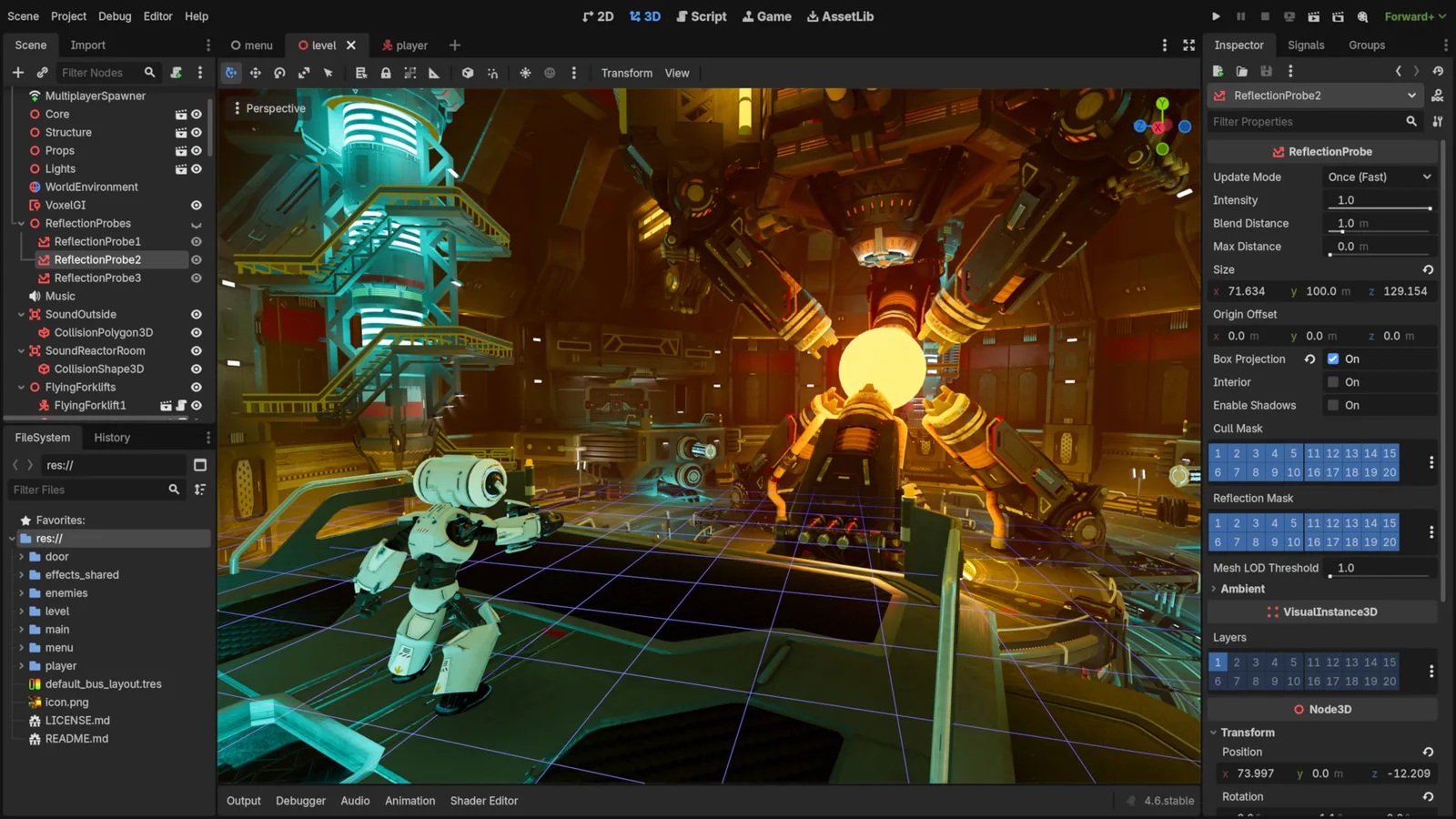
Godot Engine contributors · Original screenshot ↗ · CC BY 4.0 ↗. Resized and compressed.
Godot Engine contributorsGodot
Free, open-source game editor for 2D and 3D projects, with scene, animation and interface tools.
Defold
Free, source-available engine with Lua scripting, visual scene tools and HTML5, mobile and desktop exports. Strong 2D focus; 3D needs its own project checks.
GDevelop
Visual event-based engine for 2D and 3D games, with MIT source technology and separate hosted account plans.
Construct 3
Visual-event game editor with commercial subscriptions. Supports 2D and 3D rendering; built-in collisions remain 2D.
howler.js
JavaScript playback, sound sprites and spatial audio for browser games.
Starter code included. Library setup still required.
Review code & AI brief
Review or copy the code here. No account needed.
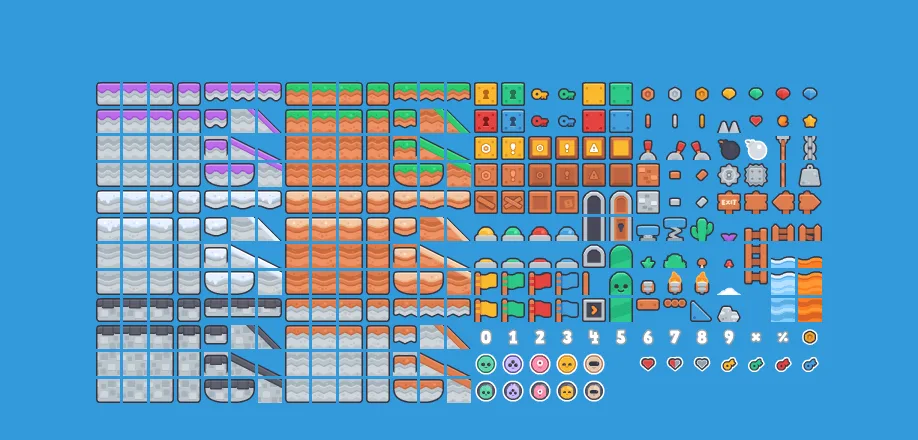
New Platformer Pack
Platformer tiles, character poses, enemies and backgrounds, with ten short sounds.
Check compatibility before importing
- Godot · by Godot Engine contributors · See source for formats · MIT. Original source ↗
- Defold · by Defold Foundation · Lua · Defold License 1.0. Original source ↗
- GDevelop · by GDevelop · Visual events, JavaScript · MIT source; separate app/service terms. Original source ↗
- Construct 3 · by Scirra · Visual events, JavaScript / TypeScript, GLTF / GLB model input · Construct 3 commercial subscription terms. Original source ↗
- howler.js · by GoldFire Studios / James Simpson · JavaScript · MIT. Original source ↗
- New Platformer Pack · by Kenney · PNG, SVG, XML, OGG · CC0-1.0. Original source ↗
For each listing, review the separate permissions to sell a finished game, redistribute files and include files in a source/template product. No pack is implied to contain a complete game or all the mechanics below.
Learn at the original sources
These links support the technical background. The starter milestones above are original Forge recommendations, not claims that a third-party tutorial implements this complete concept.
Build your own version
Build Now: One short level with safe ground and three gaps; Jump buffering and clear landing feedback; Three collectibles, one checkpoint and a finish. Quick Build: One screen, three platforms and a finish marker; omit enemies and moving platforms.
Explore Pocket Platformer and its copy-ready AI prompt →Can I use these resources in a commercial game?
Check each exact licence and edition. A permission to sell a game does not automatically allow reselling the original pack or including its files in a reusable source product. Keep attribution and notices when required.
Take this guide to your AI
Review the prompt and add project context only where sharing is permitted.