
Make Your First Godot Game Using AI: A Step-by-Step 2D Tutorial
Import a complete original Godot project, learn scenes and GDScript, collect coins, avoid an enemy and test your first game before export.
Copy this complete build to your AI
Includes every required source and art file, original licences and optional upgrade facts. Open the brief to select/copy manually.
Review complete build and asset brief
Prerequisites: beginner GDScript, a desktop Godot editor and the complete 12-file project. Tested native engine: standard Godot4.7.2 Linux. No paid assets or dependency install. Required art is already included; optional catalogue packs come later.
Build and understand your first playable Godot game
Choose one first game and make the plan
Your first Godot game is one room: collect three gold circles while avoiding a red patrol and a solid central wall. Collect them within sixty seconds of active physics. You will learn scenes, nodes, GDScript, movement, collision, animation, signals and UI. Use the preset above: Puzzle → 2D → Collecting → Stylised, with Godot, Desktop, Top-down and Solo. You can combine themes later; keep this first milestone bounded.
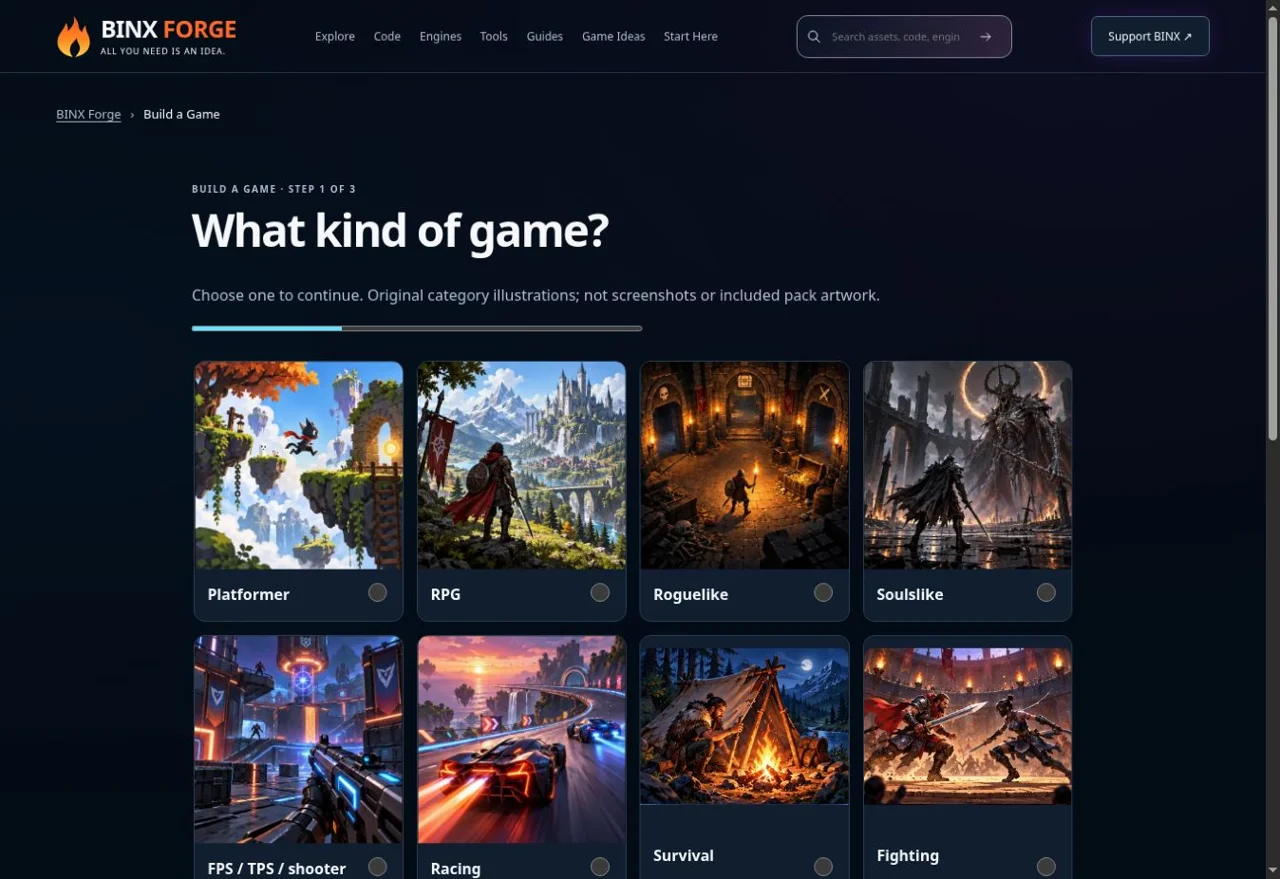
Choose the genre and reuse the small-game planner. Genuine existing Forge capture from 10 October 2026; this is the planning tool, not a Godot editor or Coin Room screenshot. Install the standard engine and import the complete baseline
Use the original Godot download. This example was executed with the standard GDScript Linux build 4.7.2.stable.official.ed1daf0bf; it needs no .NET or plug-in. A different installed version needs its own test. Download the 12-file ZIP, extract it into an empty folder, open Project Manager → Import, select project.godot, then Import/Open. Allow the sprite import to finish. Open main.tscn and press F6, or F5 for the configured main scene. These are desktop editor steps; a PCK does not install an engine.
Keep the PNG, JSON and notices beside the scripts. The source table below supplies every included file. If you start from a new empty project instead, add a Node2D root, attach game.gd, save it as main.tscn and copy the supplied project settings/assets. Importing the baseline first makes missing-file mistakes easier to isolate.
Read the scene and find the real nodes
The saved scene has a Node2D root. game.gd creates its bodies and UI during _ready. While running, select Remote in the Scene dock to inspect the player, walls, pickups, patrol and Label. CharacterBody2D owns movement; CollisionShape2D owns its circle; AnimatedSprite2D owns image playback. StaticBody2D walls block the player. Area2D pickups/patrol detect overlaps. The root draws the floor and simple gold/red shapes. Drawing does not award score.
Node Layer / mask Role Player CharacterBody2D 2 / 1 Move against walls Wall StaticBody2D 1 / 2 Solid boundary Pickup Area2D 4 / 2 Detect player, collect once Patrol Area2D 8 / 2 Detect player, end run Trace input, normalized movement and wall collision
The project installs forge_left/right/up/down with arrows and physical WASD keys in InputMap. _physics_process reads Input.get_vector, multiplies the direction by SPEED=150 and calls player.move_and_slide. Velocity is pixels per second; do not multiply it by delta again here. Opposing keys cancel and diagonal input stays bounded. Floating motion is used for a top-down room. Try Right from the start: the first coin is collected and the central wall stops further movement. Go above or below it to cross to the other side. Change SPEED once and repeat the same route before adding combat.
Import five idle frames without changing their meaning
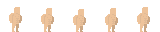
forge-sprites.png contains the exact five David Harrington 32×32 idle frames exported by Forge Sprite Sheet Maker. forge-sprites.json records uniform logical cells and 10 FPS. _ready builds AtlasTexture cells and a SpriteFrames animation; the sprite scales visually by 1.5 while collision radius stays 10. The project uses nearest filtering. These are idle frames even while the player moves; a proper walk cycle is an optional new asset. Use the Sprite Sheet Maker for your own licensed frames, preserve their cell dimensions/order, and replace both image and metadata together.
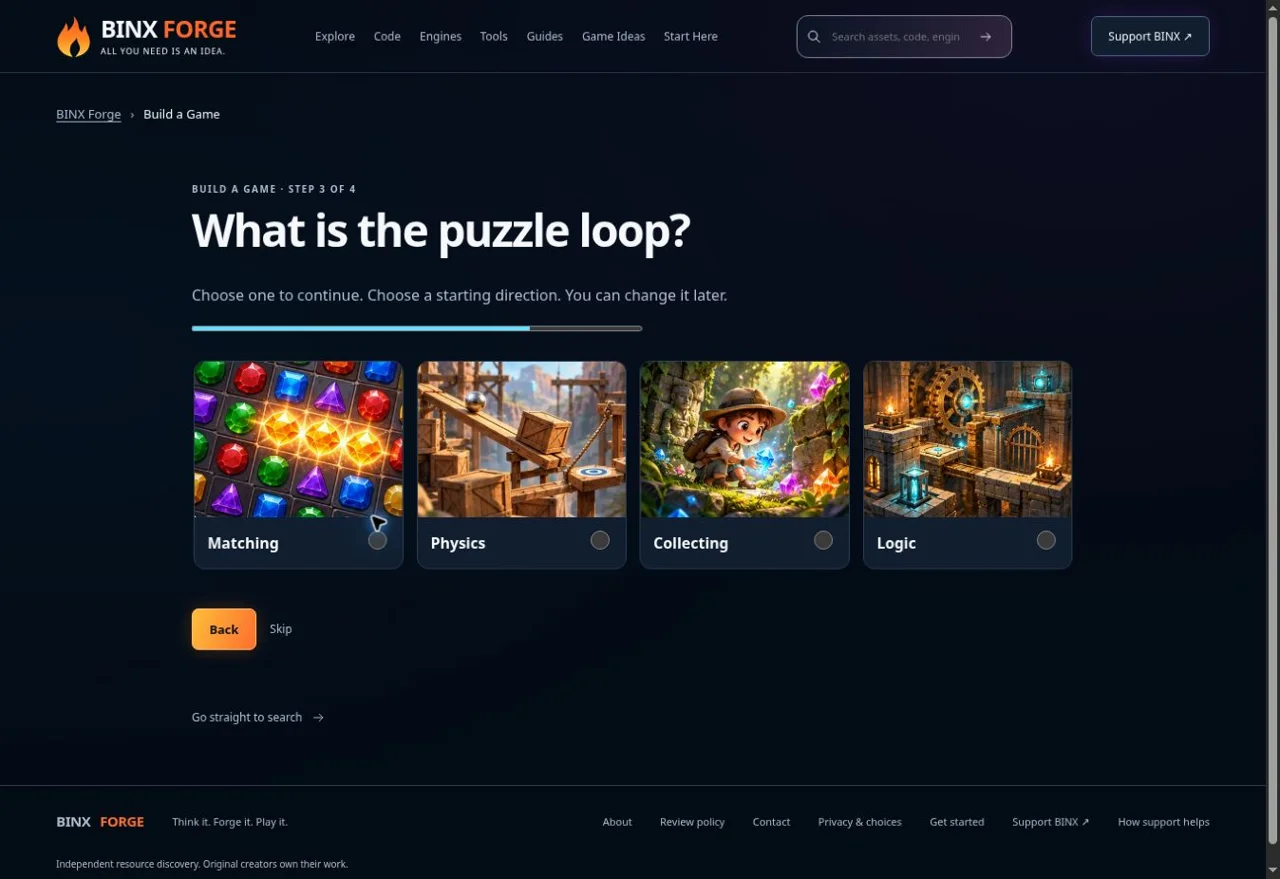
Select Collecting for this small objective. Genuine existing Forge capture from 10 October 2026; this is the planning tool, not a Godot editor or Coin Room screenshot. Resolve pickups, enemy contact and timeout once
Each gold Area2D calls collect on body_entered. It accepts only the player, a visible pickup and an active run, then hides the pickup before incrementing score. Three pickups produce a win and stop movement/animation. The patrol moves between x=150 and x=240 at y=320 with bounded reversal; it is a predictable hazard, not pathfinding. Its body_entered signal causes loss. The active timer decreases by physics delta and also causes loss at zero. Both terminal states stop input and scoring. Walk into the red patrol once, restart, then win by travelling above the wall.
Make pause, focus loss and restart observable
P freezes movement, timer, patrol and animation. Leaving application focus clears movement and pauses; P deliberately resumes. R clears held actions and resets player, patrol/direction, score, timer, goals and animation using the existing nodes; it does not add another scene or listener. Check a restart during play, after patrol loss and after victory. Keep these transitions when adapting the scene. The example has run-only progress: there is no account, local save or multiplayer.
Execute the source checks, then test the real window
From the extracted folder use your Godot executable in these commands. Replace the report path with an absolute writable file. The driver activates only with --forge-acceptance.
GODOT --headless --path . --editor --import
FORGE_COIN_ROOM_REPORT=/absolute/path/result.json GODOT --headless --fixed-fps 60 --path . -- --forge-acceptance
Linux source and an exported PCK both pass 32 checks: parsed Godot key events, real collision/overlap/animation, complete collection route, patrol loss, timeout, pause/focus clearing and restart. These checks use the real engine but do not press your physical keyboard or inspect editor/GPU visuals. On Windows PowerShell set $env:FORGE_COIN_ROOM_REPORT first; call the quoted executable with &. On macOS use Godot.app/Contents/MacOS/Godot. Follow README.md. Separately play the real window and check focus, readable UI, all terminal paths and two restarts. No independently generated AI version has been accepted.
Export a resource pack, then plan a real release
The included Linux Resource Pack preset was used with --export-pack and the same 32 checks passed from a source-free directory using --main-pack. A PCK is a resource pack run by Godot, not a standalone executable.
GODOT --headless --path . --export-pack "Linux Resource Pack" /absolute/path/coin-room.pck
GODOT --headless --main-pack /absolute/path/coin-room.pck
For a real desktop release, use Project → Export, install matching export templates and create the target preset, then Export Project and run the output outside the editor. Web export is a separate milestone: choose its preset, serve through HTTPS and test its actual controls, loading, MIME and target-browser requirements. This source supplies keyboard controls; mobile needs a touch-control adapter. Standalone, Web/touch, physical-device and visual export acceptance remain open. Do not promise a browser-ready game merely from the tested PCK.
Ask the AI for one improvement and test the baseline again
Copy the complete build brief above into your assistant. Attach only source you may share if it cannot fetch the links. Ask it to explain the current code before changing one system: clearer goal UI, one extra collectible or licensed idle/walk transitions. A missing animation is an asset gap; a pack does not implement enemy logic. Use the upgrade prompt below and compare the same route before and after. Preserve the existing game, resource rights and tested lifecycle.
Every file for the baseline
Extract the complete source ZIP into an empty folder. No external image/audio file is needed. Keep the licence/provenance files; exact original CC0 art is separate from original MIT code. Godot binaries/export templates are obtained from the engine publisher.
| File | Purpose |
|---|---|
| project.godot | Project/source data |
| main.tscn | Project/source data |
| game.gd | Project/source data |
| checks.gd | Optional explicit native test driver |
| export_presets.cfg | Project/source data |
| forge-sprites.png | Required CC0 idle art |
| forge-sprites.json | Project/source data |
| ART-SOURCE.txt | Notice/provenance |
| GODOT-LICENSE.txt | Notice/provenance |
| LICENSE.txt | Notice/provenance |
| README.md | Setup and manual/export checks |
| files.mjs | Download manifest |
Read complete game.gd
extends Node2D
# Original tutorial adapted from the verified Forge sprite integration fixture.
# Idle art stays idle art: no claim that these five frames contain a walk cycle.
const START := Vector2(90, 200)
const SPEED := 150.0
const ACTIONS := ["forge_left", "forge_right", "forge_up", "forge_down"]
var player: CharacterBody2D
var sprite: AnimatedSprite2D
var label: Label
var coins: Array[Area2D] = []
var score := 0
var won := false
var frozen := false
var lost := false
var remaining := 60.0
var patrol: Area2D
var patrol_direction := 1.0

func _ready() -> void:
	for mapping in [["forge_left", KEY_LEFT, KEY_A], ["forge_right", KEY_RIGHT, KEY_D], ["forge_up", KEY_UP, KEY_W], ["forge_down", KEY_DOWN, KEY_S], ["forge_restart", KEY_R], ["forge_pause", KEY_P]]:
		if not InputMap.has_action(mapping[0]):
			InputMap.add_action(mapping[0])
		InputMap.action_erase_events(mapping[0])
		for key in mapping.slice(1):
			var event := InputEventKey.new()
			event.physical_keycode = key
			InputMap.action_add_event(mapping[0], event)
	for box in [Rect2(0, 0, 640, 12), Rect2(0, 388, 640, 12), Rect2(0, 0, 12, 400), Rect2(628, 0, 12, 400), Rect2(260, 110, 20, 180)]:
		var wall := StaticBody2D.new()
		wall.position = box.get_center()
		wall.collision_layer = 1
		wall.collision_mask = 2
		var shape := CollisionShape2D.new()
		var rectangle := RectangleShape2D.new()
		rectangle.size = box.size
		shape.shape = rectangle
		wall.add_child(shape)
		add_child(wall)
	player = CharacterBody2D.new()
	player.motion_mode = CharacterBody2D.MOTION_MODE_FLOATING
	player.collision_layer = 2
	player.collision_mask = 1
	var collision := CollisionShape2D.new()
	var body_shape := CircleShape2D.new()
	body_shape.radius = 10
	collision.shape = body_shape
	player.add_child(collision)
	sprite = AnimatedSprite2D.new()
	sprite.texture_filter = CanvasItem.TEXTURE_FILTER_NEAREST
	sprite.scale = Vector2(1.5, 1.5)
	var metadata = JSON.parse_string(FileAccess.get_file_as_string("res://forge-sprites.json"))
	var frames := SpriteFrames.new()
	frames.set_animation_speed("default", metadata.fps)
	frames.set_animation_loop("default", true)
	var texture := load("res://forge-sprites.png") as Texture2D
	for frame in metadata.frames:
		var atlas := AtlasTexture.new()
		atlas.atlas = texture
		atlas.region = Rect2(frame.cell.x, frame.cell.y, frame.cell.width, frame.cell.height)
		atlas.filter_clip = true
		frames.add_frame("default", atlas)
	sprite.sprite_frames = frames
	player.add_child(sprite)
	add_child(player)
	for location in [Vector2(190, 200), Vector2(420, 75), Vector2(480, 310)]:
		var coin := Area2D.new()
		coin.position = location
		coin.collision_layer = 4
		coin.collision_mask = 2
		var area_shape := CollisionShape2D.new()
		var circle := CircleShape2D.new()
		circle.radius = 14
		area_shape.shape = circle
		coin.add_child(area_shape)
		coin.body_entered.connect(func(body: Node2D): collect(coin, body))
		coins.append(coin)
		add_child(coin)
	patrol = Area2D.new()
	patrol.position = Vector2(200, 320)
	patrol.collision_layer = 8
	patrol.collision_mask = 2
	var patrol_shape := CollisionShape2D.new()
	var patrol_circle := CircleShape2D.new()
	patrol_circle.radius = 12
	patrol_shape.shape = patrol_circle
	patrol.add_child(patrol_shape)
	patrol.body_entered.connect(func(body: Node2D):
		if body == player and not won and not lost and not frozen:
			lose()
	)
	add_child(patrol)
	label = Label.new()
	label.position = Vector2(24, 24)
	add_child(label)
	restart()
	if "--forge-acceptance" in OS.get_cmdline_user_args():
		var verifier = load("res://checks.gd").new()
		add_child(verifier)

func _physics_process(delta: float) -> void:
	if not won and not lost and not frozen:
		remaining = maxf(0.0, remaining - delta)
		patrol.position.x = clampf(patrol.position.x + patrol_direction * 70.0 * delta, 150.0, 240.0)
		if patrol.position.x >= 240.0 or patrol.position.x <= 150.0:
			patrol_direction *= -1.0
		if remaining <= 0.0:
			lose()
		refresh()
		queue_redraw()
	player.velocity = Vector2.ZERO if won or lost or frozen else Input.get_vector(ACTIONS[0], ACTIONS[1], ACTIONS[2], ACTIONS[3]) * SPEED
	player.move_and_slide()
	if Input.is_action_just_pressed("forge_restart"):
		restart()
	if Input.is_action_just_pressed("forge_pause") and not won and not lost:
		frozen = not frozen
		clear_movement()
		if frozen:
			sprite.pause()
		else:
			sprite.play()
		refresh()

func collect(coin: Area2D, body: Node2D) -> void:
	if body != player or not coin.visible or won or lost or frozen:
		return
	coin.hide()
	score += 1
	if score == 3:
		won = true
		clear_movement()
		sprite.pause()
	refresh()
	queue_redraw()

func lose() -> void:
	if won or lost:
		return
	lost = true
	clear_movement()
	sprite.pause()
	refresh()
	queue_redraw()

func clear_movement() -> void:
	for action in ACTIONS:
		Input.action_release(action)
	if is_instance_valid(player):
		player.velocity = Vector2.ZERO

func _notification(what: int) -> void:
	if what == NOTIFICATION_APPLICATION_FOCUS_OUT:
		clear_movement()
		if is_instance_valid(sprite):
			frozen = true
			sprite.pause()
			refresh()

func restart() -> void:
	clear_movement()
	player.position = START
	score = 0
	won = false
	lost = false
	remaining = 60.0
	patrol.position = Vector2(200, 320)
	patrol_direction = 1.0
	frozen = false
	for coin in coins:
		coin.show()
	sprite.stop()
	sprite.play()
	refresh()
	queue_redraw()

func refresh() -> void:
	label.text = ("Goal reached! R to restart" if won else ("Run ended! R to restart" if lost else "Collect 3 circles: %s/3 | %ss left" % [score, ceili(remaining)])) + "\nArrows / WASD move | P pause/resume | R restart" + ("\nPaused — press P to resume" if frozen else "")

func _draw() -> void:
	draw_rect(Rect2(0, 0, 640, 400), Color("08131f"))
	for box in [Rect2(0, 0, 640, 12), Rect2(0, 388, 640, 12), Rect2(0, 0, 12, 400), Rect2(628, 0, 12, 400), Rect2(260, 110, 20, 180)]:
		draw_rect(box, Color("526578"))
	for coin in coins:
		if coin.visible:
			draw_circle(coin.position, 10, Color("ffb547"))

	if is_instance_valid(patrol):
		draw_circle(patrol.position, 12, Color("ef6576"))
Common beginner failures
- No project or wrong scene
Import project.godot, keep main.tscn/game.gd and use F5 or open main.tscn then F6. The Remote tree is populated only while running.
- PNG/JSON missing or blank animation
Keep both files beside game.gd, wait for import and inspect the first complete error. Cells are metadata cell rectangles, not tight visible bounds.
- Movement is too slow or walls do not block
Check exact action names and layer/mask table. Do not multiply CharacterBody2D velocity by delta again before move_and_slide.
- Export template missing
Install templates for the exact editor version. PCK acceptance is distinct from exporting a release executable or Web build.
Useful debug and upgrade prompts
Debug one error
Plan one upgrade
Building blocks from original creators
Start with the free edition where it fits. Paid editions and services are optional; inspect current prices, licence conditions and engine versions. Preview credits appear on each resource card.
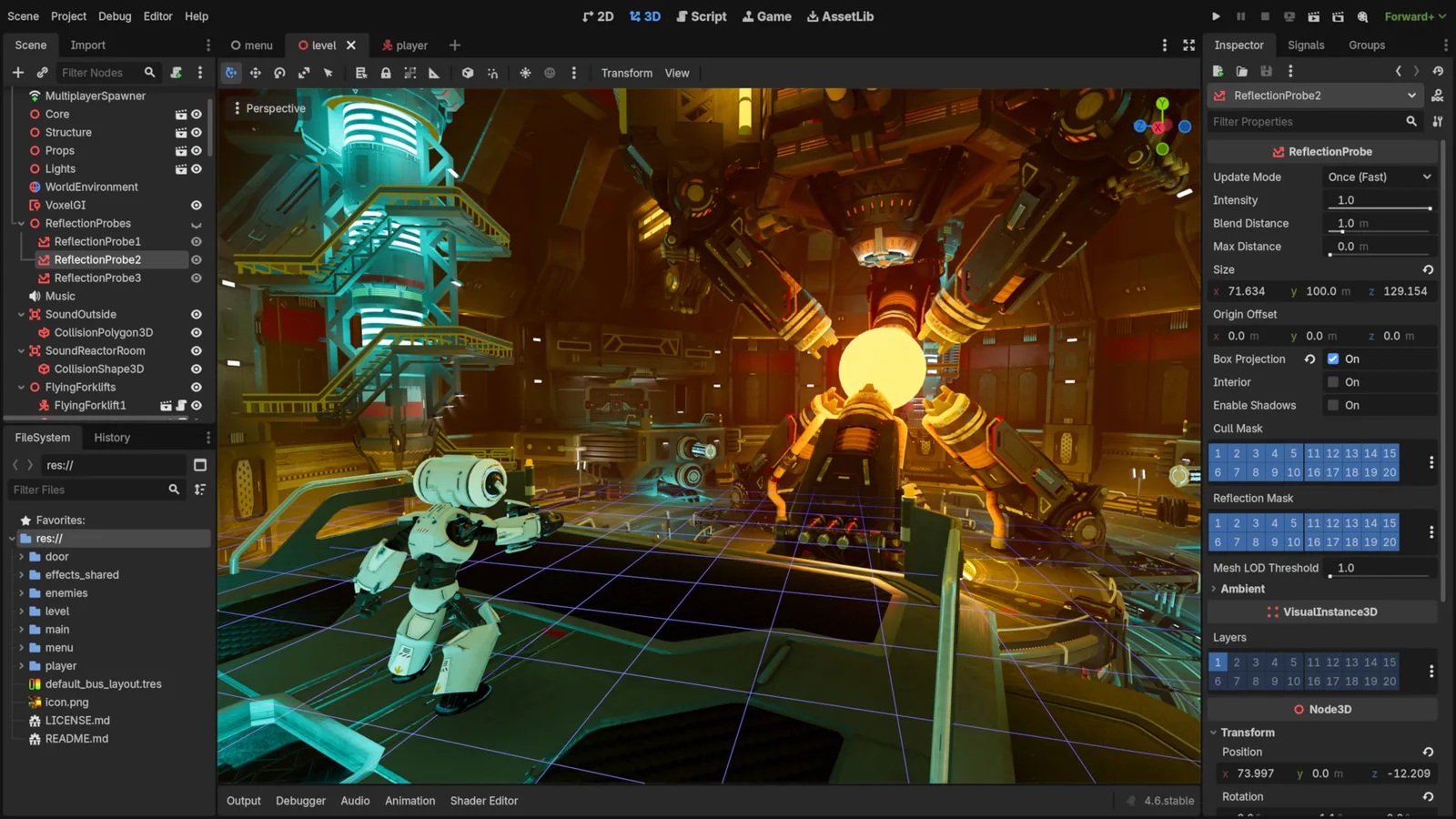
Godot Engine contributors · Original screenshot ↗ · CC BY 4.0 ↗. Resized and compressed.
Godot Engine contributorsGodot
Free, open-source game editor for 2D and 3D projects, with scene, animation and interface tools.

Simple animated character
Top-down pixel character sheets for movement and attacks; slicing and game logic required.
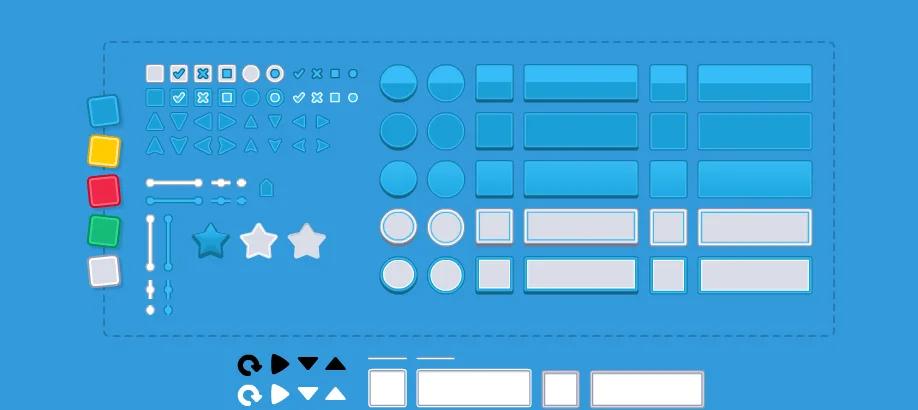
UI Pack
Interface artwork for buttons, panels and sliders.
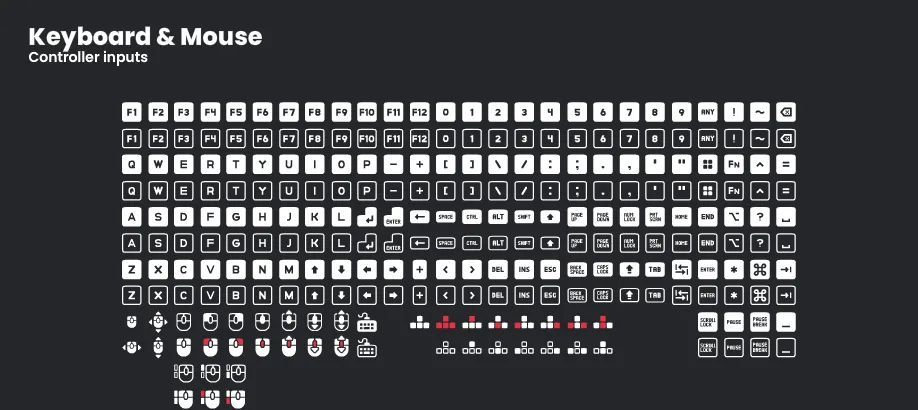
Input Prompts
Control glyphs that show players which button or gesture to use.
Impact Sounds
Short impacts and footsteps for action feedback and surface changes.
Check compatibility before importing
- Godot · by Godot Engine contributors · See source for formats · MIT. Original source ↗
- Simple animated character · by Danilo Mattos · PNG · CC0-1.0. Original source ↗
- UI Pack · by Kenney · OGG, PNG, SVG · CC0-1.0. Original source ↗
- Input Prompts · by Kenney · PNG, SVG · CC0-1.0. Original source ↗
- Impact Sounds · by Kenney · OGG · CC0-1.0. Original source ↗
For each listing, review the separate permissions to sell a finished game, redistribute files and include files in a source/template product. No pack is implied to contain a complete game or all the mechanics below.
Make Your Game Better
Start with the included source and art. Optional free UI/input icons, real walk clips or sounds need their own import and code. The linked catalogue compares editions and separate rights; paying does not improve organic rank. Keep the smallest compatible option that solves your specific gap.
Plan an upgrade · Learn reusable module boundaries · Follow the AI-to-game workflow · Refine a small original game
Production sign-in is currently unavailable; build and copy as a guest. Keep your source and prompts on your device; game progress is separate from My Forge plans.
Learn from original sources
- Godot: movement ↗
- Godot: first 2D game ↗
- Godot: export projects ↗
- Godot: engine licence ↗
- David Harrington: original character ↗
Source and PCK engine logic have actual native evidence. Physical/assistive/editor visual/touch/Web/export-template and separate AI-output acceptance remain open. No fabricated editor screenshot, performance percentage or guaranteed search ranking.