
Free Game Engines for Beginners: Compare Your First Build
Compare editor, coding and browser-export needs before choosing an engine or paid licence.

Your first playable milestone
Decide what you need to learn
A code-first editor, visual events and a browser editor suit different preferences. Pick one small game to compare rather than switching engines midway through a large project.
Compare free with free-to-start
Godot and Defold listings describe their current licence scope. GDevelop and PlayCanvas have plan-dependent services. Read export, hosting and commercial terms; a free editor does not guarantee every cloud feature is free.
Test the target platform
Make the same small input-and-collision loop and export it. Browser, desktop and mobile need different checks; console support should not be assumed from a general engine recommendation.
Inspect dependencies before plugins
An engine-specific plugin cannot be reused unchanged in another runtime. Look for existing engine systems first and check current version compatibility before adding a package.
Use paid options only for a reason
GameMaker and Construct commercial licences can suit particular workflows. Compare the current plan and export needs at the creator’s site. Commission is not evidence that one engine is better.
Building blocks from original creators
Start with the free edition where it fits. Paid editions and services are optional; inspect current prices, licence conditions and engine versions. Preview credits appear on each resource card.
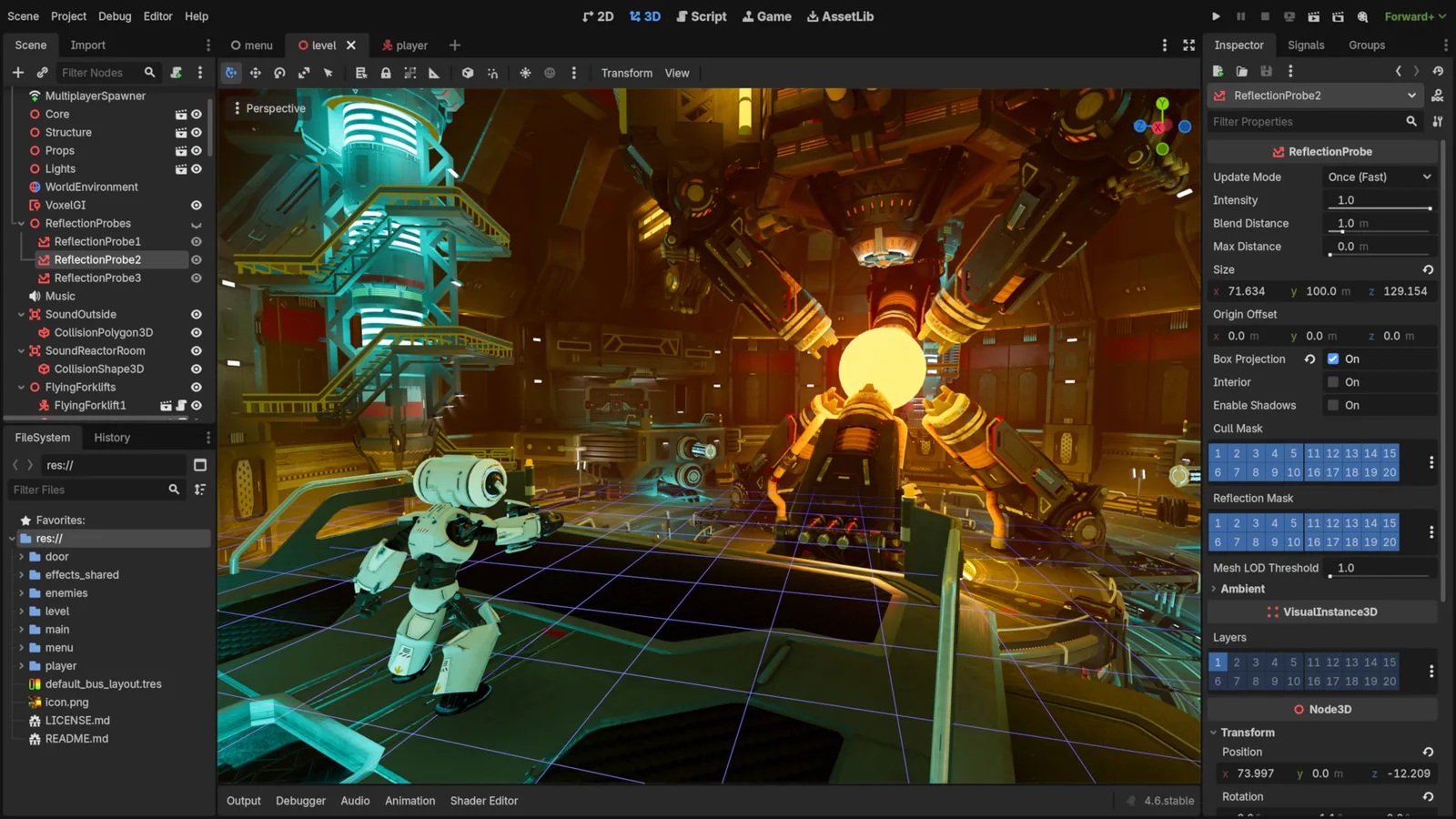
Godot Engine contributors · Original screenshot ↗ · CC BY 4.0 ↗. Resized and compressed.
Godot Engine contributorsGodot
Free, open-source game editor for 2D and 3D projects, with scene, animation and interface tools.
Defold
Free, source-available engine with Lua scripting, visual scene tools and HTML5, mobile and desktop exports. Strong 2D focus; 3D needs its own project checks.
GDevelop
Visual event-based engine for 2D and 3D games, with MIT source technology and separate hosted account plans.
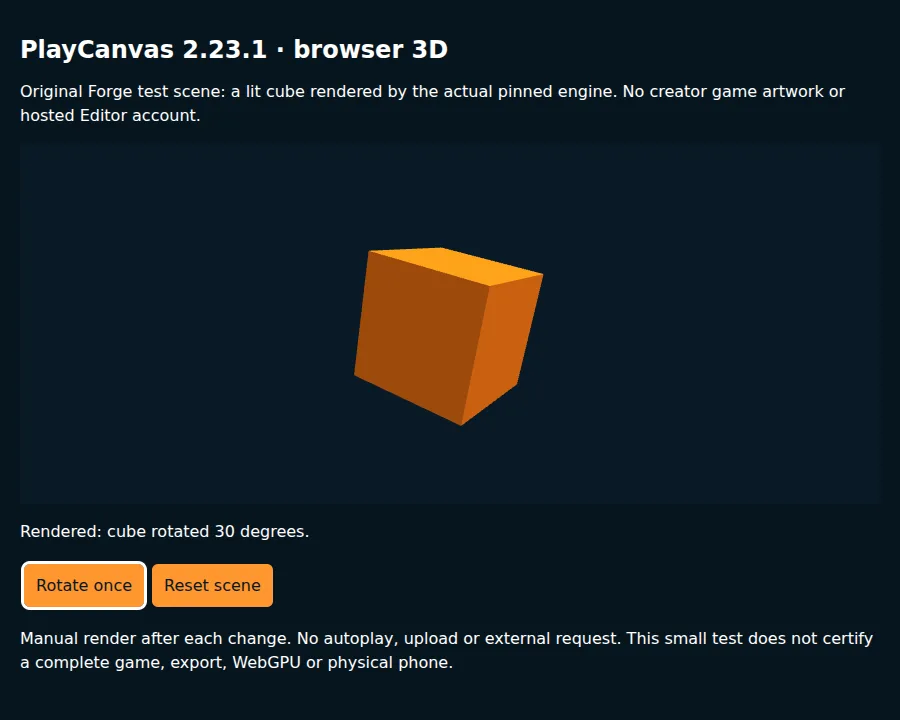
PlayCanvas
JavaScript/TypeScript browser engine for 2D and 3D games. MIT standalone code; hosted Editor project privacy and collaboration have separate plans.
GameMaker Professional
Paid commercial export licence for a 2D GameMaker game. Compare free Godot before changing engines.
Construct 3
Visual-event game editor with commercial subscriptions. Supports 2D and 3D rendering; built-in collisions remain 2D.
Check compatibility before importing
- Godot · by Godot Engine contributors · See source for formats · MIT. Original source ↗
- Defold · by Defold Foundation · Lua · Defold License 1.0. Original source ↗
- GDevelop · by GDevelop · Visual events, JavaScript · MIT source; separate app/service terms. Original source ↗
- PlayCanvas · by PlayCanvas · JavaScript, TypeScript, glTF, GLB · MIT engine; hosted-service terms. Original source ↗
- GameMaker Professional · by GameMaker · GML · GameMaker Professional runtime licence. Original source ↗
- Construct 3 · by Scirra · Visual events, JavaScript / TypeScript, GLTF / GLB model input · Construct 3 commercial subscription terms. Original source ↗
For each listing, review the separate permissions to sell a finished game, redistribute files and include files in a source/template product. No pack is implied to contain a complete game or all the mechanics below.
Learn at the original sources
These links support the technical background. The starter milestones above are original Forge recommendations, not claims that a third-party tutorial implements this complete concept.
Build your own version
Build Now: Three switches with visible on/off states; A door that responds to the correct combination; Reset, hints and keyboard-accessible interactions. Quick Build: Two switches and one door on a single screen; omit timers and extra levels.
Explore Switch Puzzle and its copy-ready AI prompt →Can I use these resources in a commercial game?
Check each exact licence and edition. A permission to sell a game does not automatically allow reselling the original pack or including its files in a reusable source product. Keep attribution and notices when required.
Take this guide to your AI
Review the prompt and add project context only where sharing is permitted.