
Create 2D sprites for your game
Draw one original sprite, export transparent PNG frames, pack them in Forge and test the result in your current engine.
Selected editor: Aseprite · by Igara Studio S.A. · Original creator & download ↗
Source-reviewed instructions, checked 10 October 2026: Krita 5.3 manual/current download 5.3.4.1; Aseprite 1.3/current trial 1.3.18.6. Editor installation, drawing/export and your engine/target acceptance remain unexecuted. Existing Forge example captures have separate scope below.
Open Sprite Sheet Maker- STEP 1
Keep a working editor and choose one sprite
Use a copy or test branch of your existing game. Choose one small token or original character silhouette. Record engine/version, target, supported PNG importer and intended sprite size. Keep the placeholder’s movement and collision.
Keep your current editor if it already exports the files you need. Krita is a free painting/frame-animation option. Aseprite adds a pixel-focused palette/frame/tag workflow and convenient paid binaries. Its own-use source route needs a toolchain; the trial cannot save. Packing existing frames alone does not require buying an editor.
Check: One safe test project and one small art task.
- STEP 2
Draw and keep the editable source
Create a 32 × 32 transparent document in Aseprite and draw your own simple shape on a paint layer. Use a consistent ground line/anchor. Hide or remove the opaque background layer in the exported copy; check the transparent area rather than trusting a white preview.
Save
token-source.asepritewith File → Save; keep layers and frames in the native file. Export one transparent PNG first and test its size/appearance in the game before animating.Check: An editable master and one transparent PNG are saved.
- STEP 3
Export a short PNG sequence
Create four equal-size poses for one small pulse or idle change. Record the source frame range and timing; duplicate unchanged held frames when you need an evenly timed sequence.
In Aseprite 1.3 use File → Export → Export As and a numbered name such as token001.png for the sequence. Select the intended frames and preserve original scale. The documented File → Export Sprite Sheet route is an alternative when your importer supports that output; do not repack a working sheet unnecessarily.
Check: The sequence has the intended frame count, dimensions, order, alpha and holds.
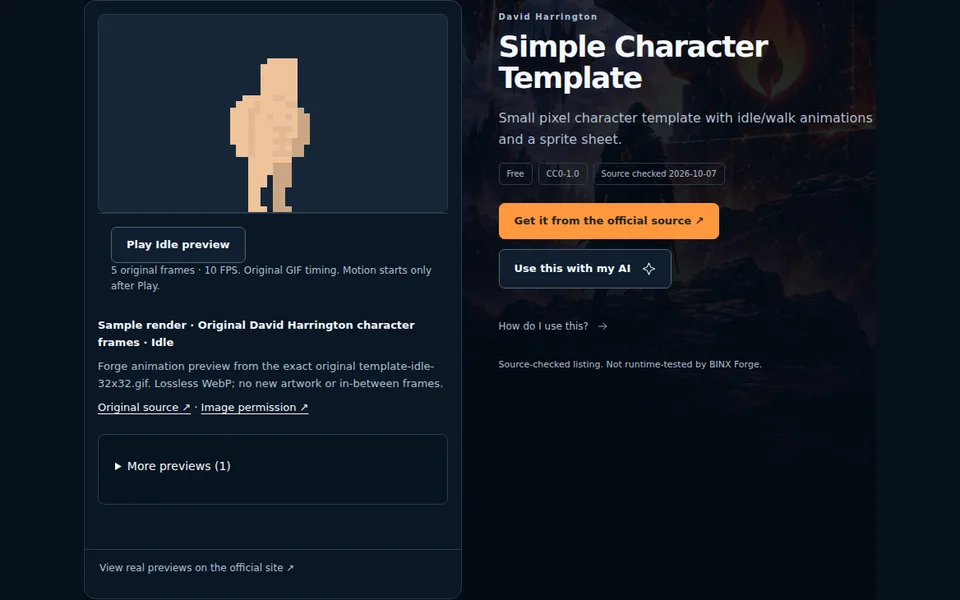
The separate permitted source frames, before packing · existing Forge capture, 7 October 2026 with David Harrington CC0 idle frames, not a Krita/Aseprite export demonstration. - STEP 4
Pack only when needed
Open Sprite Sheet Maker, choose the exported PNG frames and use Move earlier / Move later to set their order. Choose Preserve original pixels, 4 columns, 0 padding/spacing and 8 FPS for four evenly timed 125 ms frames. Change these example values to your recorded source timing.
Keep Nearest-neighbour / pixel art for pixel artwork; turn it off when smooth painting needs that preview. Mixed sizes require an explicit Pad or Resize choice; Pad retains pixels while Resize changes them. Preview, pause, reorder and replay before downloading PNG and JSON together. Frames stay in this browser tab; no account or upload is required. Forge records one global FPS: variable frame durations need repeated frames or importer-specific timing, not a false exact transfer.
Check: Order, alpha and timing are checked and both export files are saved.
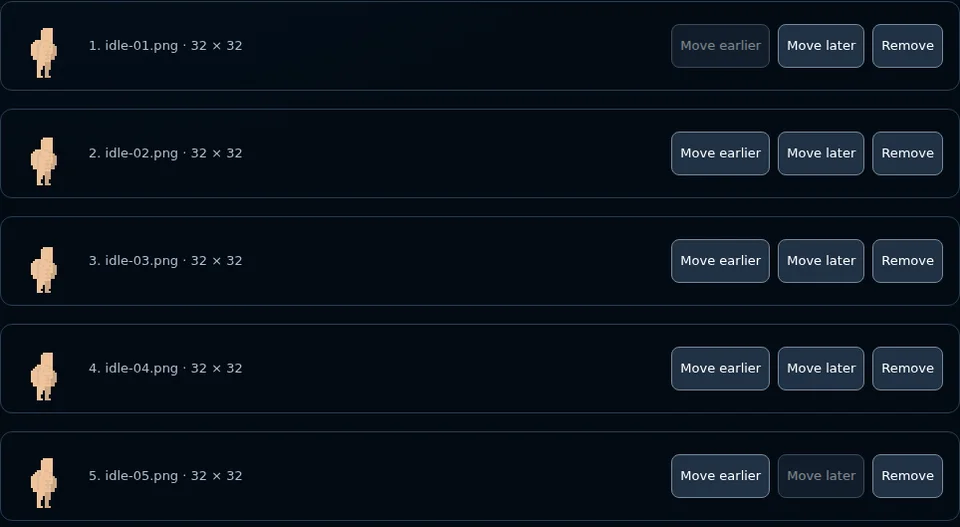
The separate Forge frame-order controls · existing Forge capture, 7 October 2026 with David Harrington CC0 idle frames, not a Krita/Aseprite export demonstration. - STEP 5
Import, run and keep the result
Import one sprite/sheet into your current engine’s test scene using its documented texture/sprite workflow. Match cell size, frame order, anchor and scale. Keep collision separate. Forge JSON contains cells/pixel rectangles/order/FPS; Aseprite JSON uses a different schema. Native KRA/ASEPRITE masters are not universal game import files.
Run two consecutive starts. Check still appearance, looping, pause/resume, restart and your actual target build. Record editor/engine versions and observed failures. Keep the original source, final exports, export settings and rights notes once the test passes. If alpha is black, use PNG frames; if speed changed, check holds/FPS; if edges blur, check importer filtering. Avoid replacing working game systems while fixing art.
Check: Actual engine/target results are recorded; remaining tests stay explicit.

The separate Forge PNG and coordinate export · existing Forge capture, 7 October 2026 with David Harrington CC0 idle frames, not a Krita/Aseprite export demonstration.
Compare before you choose
Keep a working compatible editor, engine or pack first. Compare the recorded editions below, then test one small import or export. These are source-reviewed options, not performance rankings or tested replacements. Prices are recorded source facts; recheck the creator’s current terms before spending.
On a small screen, scroll the table sideways. You can focus it and use the arrow keys. Open edition conditions before choosing; the full resource page retains every licence scope.
| Resource & fit | Recorded free editions | Recorded paid editions | Rights & next step |
|---|---|---|---|
| KritaBy Krita Foundation and KDE contributors · source checked 2026-10-10 Free digital painting and frame-animation editor for creating or repainting 2D game artwork. Export PNG frames and keep editable KRA originals. Dimensions: 2D | Official free editor No charge · Official direct desktop download; publisher lists 5.3.4.1 released 7 October 2026. Edition contents & conditions
Optional paid stores/services are separate; no subscription or paid tier is needed for covered own-artwork use. | No paid edition recorded here. Hosting, store accounts, third-party content and other services may have separate costs. | GPL version3 software; own artwork separate ↗
Plan one small integration |
| AsepriteBy Igara Studio S.A. · source checked 2026-10-10 Pixel-art editor with layers, frame tags, palette controls and sprite-sheet output. Official ready-made binaries are paid; own-use source compilation has separate EULA limits. Dimensions: 2D | Own-use source compilation No charge · Source compilation for your own personal purpose/contribution under EULA; a development toolchain and dependencies are required. Edition contents & conditions
FAQ permits commercial own artwork from a compiled copy. No general team-build redistribution, software resale or template-bundling grant. It is not a ready-to-use free installer and no build was tested. | Official editor licence USD 19.99 · Publisher FAQ lists USD19.99 minimum for convenient official 1.x binaries; checked10October2026. Current checkout/tax may vary. Edition contents & conditions
Recheck publisher checkout, location and tax before purchasing. This is the listed USD minimum, not a GBP conversion or observed checkout total. Company use needs one licence per developer. Updates through1.9/support are recorded publisher terms; no lifetime all-major-version promise. | Aseprite EULA; own artwork separate ↗
Plan one small integration |
Asset licences and dependency notices stay separate from engine or hosted-service terms. An unconfirmed permission is not approval. A paid edition needs a specific useful gain; affiliate commission does not determine fit.
Plan this artwork step with your AI
Review the public editor facts and copy manually if needed. Private notes or project files are not included.
Review the workflow prompt
Official instructions and remaining checks
Krita: artwork and software rights ↗
Krita 5.3 manual: PNG sequence export ↗
Aseprite: own artwork, source build and licensing FAQ ↗
Aseprite: PNG sequence export ↗
Instructions and publisher features are source-reviewed. This batch did not run either editor, compile Aseprite, inspect your code, certify an importer or measure quality/credit savings. Native/physical/assistive/browser-device tests and production account launch remain separate.
Try the separately tested five-frame CC0 example · Make your game animations better · Create a 3D prop instead