
Free Game Assets for Beginners: What to Check Before Downloading
Find useful creator-made packs and compare file formats, attribution and separate commercial rights.
Your first playable milestone
Start with the missing role
List the exact need: a tileset, one character, UI icons or an animation. A coherent small pack is easier to integrate than a folder of unrelated downloads.
Read the exact listing
Check the licence linked on each resource page. Commercial game use, redistribution of original files and inclusion in a source/template product are different permissions. Keep notices beside the imported files.
Credit the actual creator
BINX Forge discovers these resources; it does not own them. Download from Kenney, KayKit or the credited original artist. Preserve attribution when required and never infer a site-wide licence for user submissions.
Import one file before collecting more
Check dimensions, scale, textures, rig and engine importer. A preview image is not proof that a model, sprite or clip works in your engine. Do not convert restricted files for redistribution.
Compare a paid edition fairly
A paid pack may add clips or source files. Use the free edition if it covers the prototype; inspect actual included files and terms before paying. Affiliate relationships never change the free option’s access.
Building blocks from original creators
Start with the free edition where it fits. Paid editions and services are optional; inspect current prices, licence conditions and engine versions. Preview credits appear on each resource card.
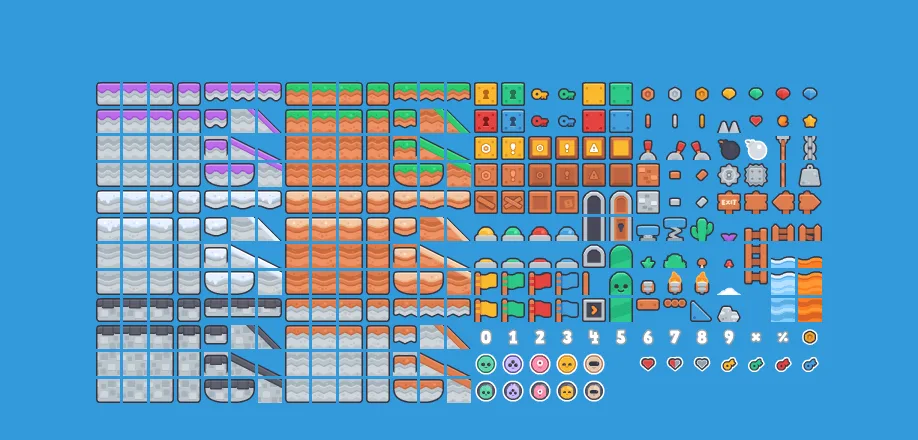
New Platformer Pack
Platformer tiles, character poses, enemies and backgrounds, with ten short sounds.
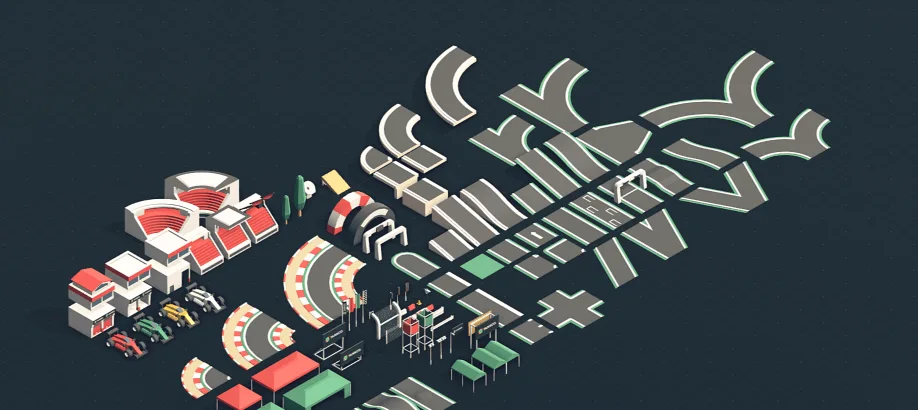
Racing Kit
Track and vehicle artwork for arcade racing scenes.
KayKit Adventurers
Stylised fantasy characters with weapons and basic movement animation.
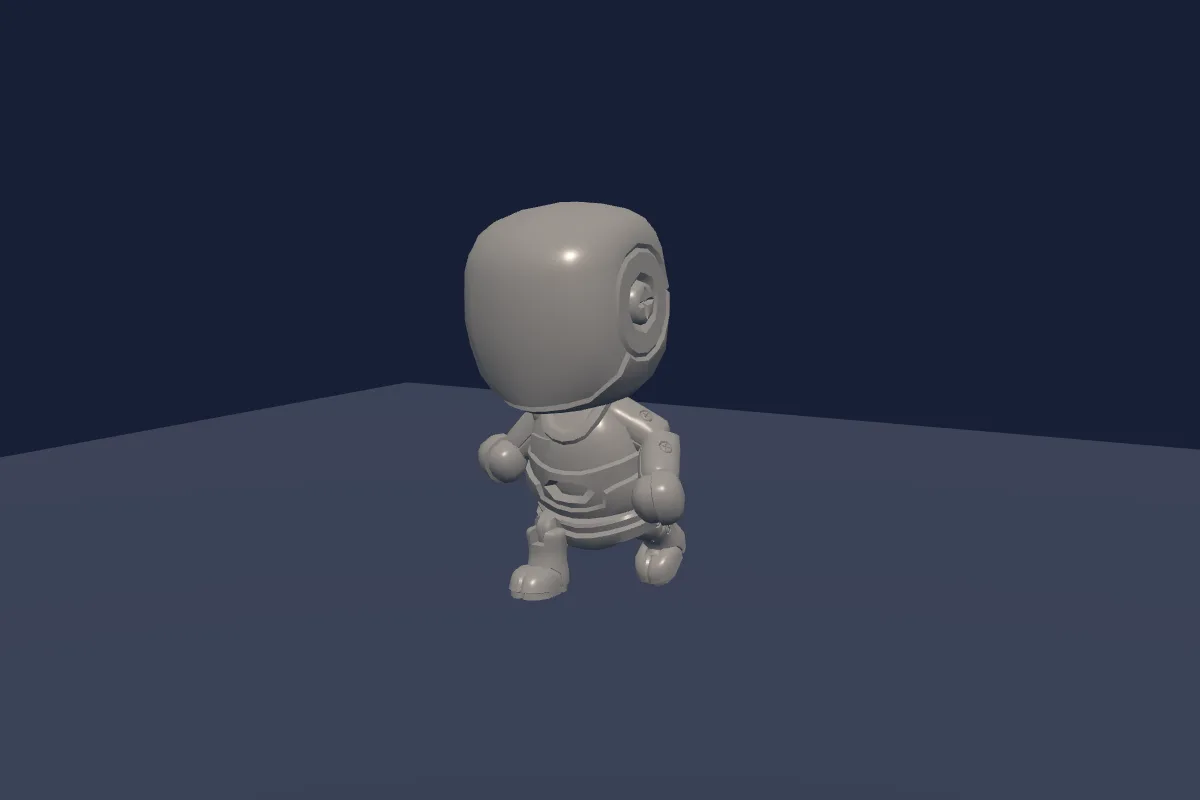
KayKit Character Animations
Humanoid movement, combat and activity clips built for KayKit rigs.

Simple animated character
Top-down pixel character sheets for movement and attacks; slicing and game logic required.
Check compatibility before importing
- New Platformer Pack · by Kenney · PNG, SVG, XML, OGG · CC0-1.0. Original source ↗
- Racing Kit · by Kenney · DAE, FBX, GLB, OBJ, PNG · CC0-1.0. Original source ↗
- KayKit Adventurers · by Kay Lousberg · FBX, GLTF · CC0-1.0. Original source ↗
- KayKit Character Animations · by Kay Lousberg · FBX, GLB · CC0-1.0. Original source ↗
- Simple animated character · by Danilo Mattos · PNG · CC0-1.0. Original source ↗
For each listing, review the separate permissions to sell a finished game, redistribute files and include files in a source/template product. No pack is implied to contain a complete game or all the mechanics below.
Learn at the original sources
These links support the technical background. The starter milestones above are original Forge recommendations, not claims that a third-party tutorial implements this complete concept.
Build your own version
Build Now: One short level with safe ground and three gaps; Jump buffering and clear landing feedback; Three collectibles, one checkpoint and a finish. Quick Build: One screen, three platforms and a finish marker; omit enemies and moving platforms.
Explore Pocket Platformer and its copy-ready AI prompt →Can I use these resources in a commercial game?
Check each exact licence and edition. A permission to sell a game does not automatically allow reselling the original pack or including its files in a reusable source product. Keep attribution and notices when required.
Take this guide to your AI
Review the prompt and add project context only where sharing is permitted.