
Make a Sokoban-Style Box Puzzle With Undo
Build Crate Key: grid movement, validated pushes, a solved state and a complete undo record.
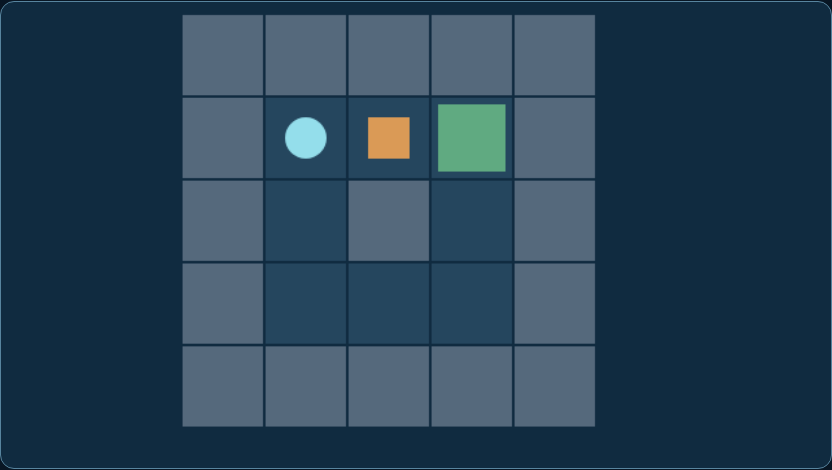
Thumbnail: an actual matching workshop game. It is a gameplay reference, not evidence that a save, inventory, network or native reverse-engineering integration has been demonstrated.
Difficulty: beginner to intermediate. Prerequisites: basic variables, functions and a test copy of your project. Reference: Forge workshop 1.0, browser ES modules and Node 24 checks. Engine-specific translation is a separate integration.
What you will build
Push one box onto one goal, undo and solve again.
Play Crate Key →Download complete MIT workshop- Extract into a new folder and run
node check.mjsfrom that folder. - For the browser games, run
python3 -m http.server 8080with Python 3 and openhttp://localhost:8080/index.html. Do not open modules with file://. - Read the full setup instructions and the original code licence. Keep your existing game on a separate test branch.
The JavaScript behaviour checks and native C comparison can run independently of the browser. Ghidra UI, physical-phone and your engine integration are separate checks. This is a small reference, not a certification of your project.
Explore the related game idea · Start with Build a Game · Improve your existing game
Five practical steps
Separate board cells from screen pixels
Choose Box puzzle and Start. Read walls, goal and create in pushbox.mjs. Logic uses integer cells; rendering multiplies them by a tile size. The five-by-five board has a wall boundary, one box and one goal.
Expected result: A consistent board independent of canvas resolution.
Check it: The initial player is at (1,3), box at (2,1), goal at (3,1).
moveObserve the inputs → check the state → compare the resultValidate a move before changing state
A move is one orthogonal cell. Reject diagonals, out-of-bounds cells and walls. When the destination contains a box, check the cell beyond it first. Only then move both player and box; never move the player and later discover the box was blocked.
Expected result: A wall or blocked push leaves all state intact.
Check it: Move down into the border and compare the complete state before and after.
Record only accepted moves
Before an accepted move, save player coordinates and a copy of the box coordinates. A reference to the mutable box would corrupt history. Failed moves do not create history entries. Undo pops exactly one snapshot and clears the solved flag.
Expected result: Undo restores a real previous board, not just a move counter.
Check it: Make a push, undo and compare both player and box positions with the original snapshot.
Prove the level can be solved
From the start, move up, up, right. The last action pushes the box onto the goal. The example freezes movement after solving but allows Undo or Restart. Designing levels requires a known solution; random box placement can create impossible rooms.
Expected result: An explicit three-move solution and a recoverable solved state.
Check it: Replay that route, undo the winning push and solve again; inspect history length at each stage.
Add one puzzle carefully
Add a second authored room with a recorded solution. Keep undo and restart available, because a box in a non-goal corner can be permanently stuck. Multiple boxes need copied arrays in history and a goal check covering every required goal.
Expected result: Two short puzzles rather than an untested generator.
Check it: Try deliberate deadlocks, repeated wall presses, undo at empty history and mobile direction controls.
Read and reuse the actual code
pushbox.mjs: complete source · Standalone behavioural checks · Shared browser runner and input. Original BINX Forge code, MIT; the package includes every required file and its notice.
Inspect complete pushbox.mjs
export const walls=[[0,0],[1,0],[2,0],[3,0],[4,0],[0,1],[4,1],[0,2],[4,2],[0,3],[4,3],[0,4],[1,4],[2,4],[3,4],[4,4],[2,2]];
export const goal={x:3,y:1};
export function create(){return {x:1,y:3,box:{x:2,y:1},history:[],won:false};}
const blocked=(x,y)=>x<0||y<0||x>4||y>4||walls.some(w=>w[0]===x&&w[1]===y);
export function move(s,dx,dy){
 if(s.won||Math.abs(dx)+Math.abs(dy)!==1)return false;
 const x=s.x+dx,y=s.y+dy;if(blocked(x,y))return false;
 let b={...s.box};if(x===b.x&&y===b.y){b={x:b.x+dx,y:b.y+dy};if(blocked(b.x,b.y))return false;}
 s.history.push({x:s.x,y:s.y,box:{...s.box}});s.x=x;s.y=y;s.box=b;s.won=b.x===goal.x&&b.y===goal.y;return true;
}
export function undo(s){const old=s.history.pop();if(!old)return false;Object.assign(s,old,{won:false});return true;}
Code rights: the included MIT notice permits use, modification and distribution, including commercial games and source products, with the copyright and licence notice. Added third-party files have their own terms. Read the official licence & usage terms.
Common failures and fixes
Undo changes old snapshots
Copy coordinates or deep-copy the board; do not store live object references.
A failed push moves the player
Validate the box destination before committing either position.
The level has no solution
Record and replay an authored solution before adding decoration or more boxes.
Make Your Game Better
Change one system after the baseline works. Keep the free reference and compare the same inputs before and after.
Add a second room
Store board data separately and ship a solution fixture with each room.
Add deadlock hints
Flag non-goal corners as a helpful hint; general deadlock detection is more complex than this simple rule.
Optional building blocks from original creators
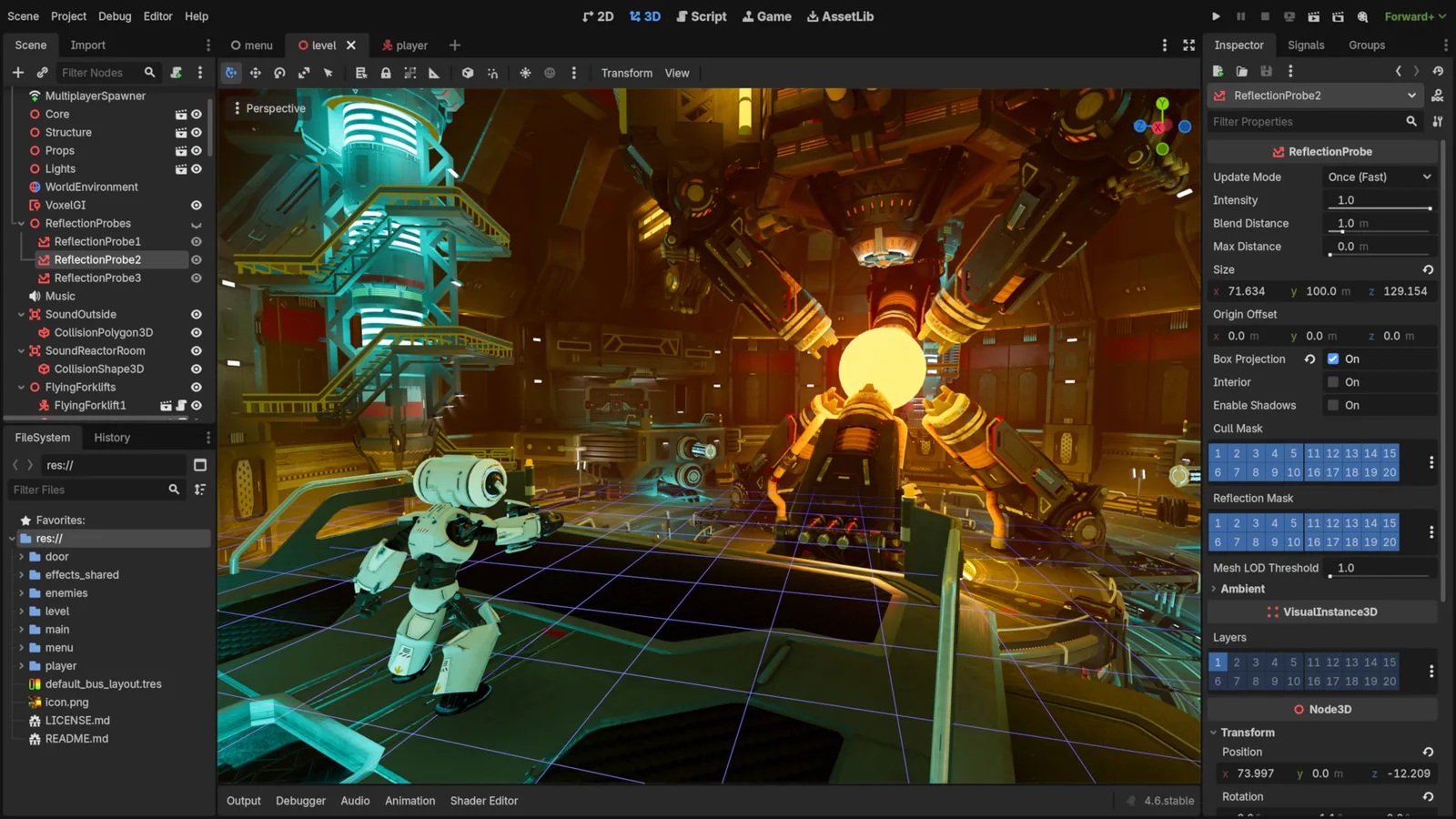
Godot Engine contributors · Original screenshot ↗ · CC BY 4.0 ↗. Resized and compressed.
Godot Engine contributorsGodot
Free, open-source game editor for 2D and 3D projects, with scene, animation and interface tools.
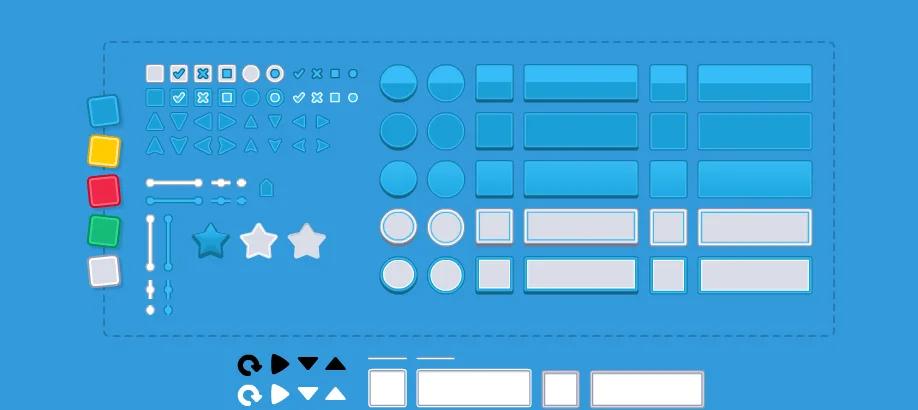
UI Pack
Interface artwork for buttons, panels and sliders.
Inspect exact formats and editions on each resource page. Pay for a resource only when it fills an identified gap; the free code exercise needs no paid engine or pack.
Licensing summary, not legal advice. Before publishing or selling, check exact terms for finished-game use, reselling files and including files in a source/template product separately.
Learn at the original sources
Sources checked 11 October 2026. The numbered plan is original Forge instruction; linked documentation does not imply every engine or device has been tested.
Take this guide to your AI
Review and copy into your assistant. Nothing is sent automatically. These prompts include the complete focus source, full-package links, checks and compatibility limits.
Review a prompt or select its text manually.