
Make a Platformer With Coyote Time and Jump Buffering
Build Beacon Hop: three platforms, readable landings, a forgiving jump and one reachable finish.
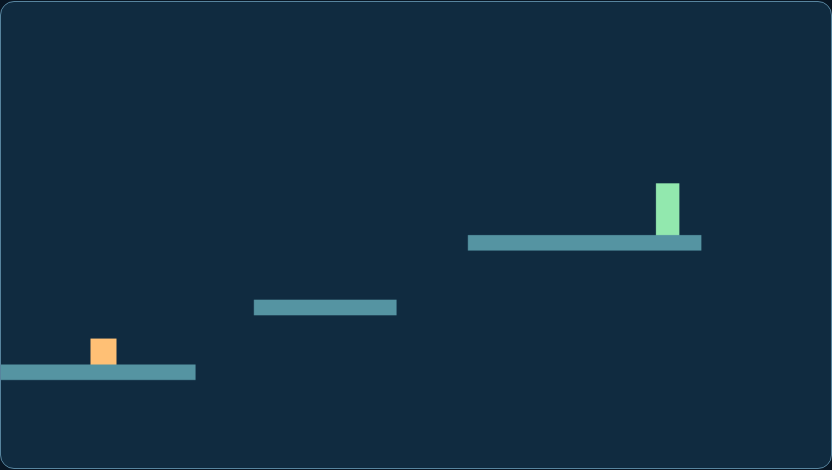
Thumbnail: an actual matching workshop game. It is a gameplay reference, not evidence that a save, inventory, network or native reverse-engineering integration has been demonstrated.
Difficulty: beginner to intermediate. Prerequisites: basic variables, functions and a test copy of your project. Reference: Forge workshop 1.0, browser ES modules and Node 24 checks. Engine-specific translation is a separate integration.
What you will build
Reach one beacon across three static platforms.
Play Beacon Hop →Download complete MIT workshop- Extract into a new folder and run
node check.mjsfrom that folder. - For the browser games, run
python3 -m http.server 8080with Python 3 and openhttp://localhost:8080/index.html. Do not open modules with file://. - Read the full setup instructions and the original code licence. Keep your existing game on a separate test branch.
The JavaScript behaviour checks and native C comparison can run independently of the browser. Ghidra UI, physical-phone and your engine integration are separate checks. This is a small reference, not a certification of your project.
Explore the related game idea · Start with Build a Game · Improve your existing game
Five practical steps
Run the geometric room
Choose Platformer in the workshop and Start. Move with arrows or A/D; Jump or Space is a press. Inspect platformer.mjs: positions are pixels, gravity is pixels per second squared, and updates run at a fixed 60Hz.
Expected result: A player rests on the first platform without drifting.
Check it: Release all controls and confirm the player remains on top of the floor.
stepObserve the inputs → check the state → compare the resultSolve landings from the previous bottom
Store the previous bottom edge, then apply gravity and movement. A landing needs downward velocity, a crossing of the platform top and horizontal overlap. Testing only current overlap may let a falling character pass through a thin platform.
Expected result: The player lands on each platform while falling.
Check it: Jump through a platform from below; it acts as a one-way platform, not a ceiling.
Add short grace windows
Coyote time allows a jump briefly after leaving a ledge; a buffer remembers a recent jump press until a landing. Both last 0.1–0.12 seconds in this example. Consume both when a jump is accepted so a held button cannot grant repeated jumps.
Expected result: A slightly late or early press can still jump once.
Check it: Compare a press 0.05 seconds after walking off with a press after 0.2 seconds.
Add a clear endpoint and reset
Reach the green beacon on the top platform to win. Falling below the room resets player state. A won state freezes simulation while restart reconstructs a fresh state. Use a checkpoint later rather than hiding a broken level behind generous grace time.
Expected result: A short route with a reachable end and reliable restart.
Check it: Complete the route, wait, restart twice and fall intentionally; no old vertical speed or buffer survives.
Build one upgrade
Start with the supplied complete source and shared lab runner, then add one moving hazard or checkpoint. Keep one-way landing rules in mind. A full platformer also needs side collisions, slopes, camera, animation and level tools; add them in separate milestones.
Expected result: An original small game with one tested extension.
Check it: Repeat keyboard/touch, pause/resume and the entire route after your change.
Read and reuse the actual code
platformer.mjs: complete source · Standalone behavioural checks · Shared browser runner and input. Original BINX Forge code, MIT; the package includes every required file and its notice.
Inspect complete platformer.mjs
export function create(){return {x:24,y:260,vy:0,grounded:true,coyote:.1,buffer:0,coins:0,won:false};}
export const platforms=[{x:0,y:280,w:150},{x:195,y:230,w:110},{x:360,y:180,w:180}];
export function step(s,i,dt){
 if(s.won)return;
 s.buffer=i.action?.12:Math.max(0,s.buffer-dt);s.coyote=s.grounded?.1:Math.max(0,s.coyote-dt);
 if(s.buffer>0&&s.coyote>0){s.vy=-350;s.buffer=0;s.coyote=0;s.grounded=false;}
 const oldBottom=s.y+20;s.x=Math.max(0,Math.min(620,s.x+(Number(!!i.right)-Number(!!i.left))*180*dt));
 s.vy+=900*dt;s.y+=s.vy*dt;s.grounded=false;
 for(const p of platforms)if(s.vy>=0&&oldBottom<=p.y&&s.y+20>=p.y&&s.x+20>p.x&&s.x<p.x+p.w){s.y=p.y-20;s.vy=0;s.grounded=true;break;}
 if(s.y>360)Object.assign(s,create());
 if(s.x>495&&s.y<180){s.coins=1;s.won=true;}
}
Code rights: the included MIT notice permits use, modification and distribution, including commercial games and source products, with the copyright and licence notice. Added third-party files have their own terms. Read the official licence & usage terms.
Common failures and fixes
Jumps trigger twice
Consume the jump buffer and coyote timer on acceptance; use a press rather than held input.
A thin platform is missed
Compare previous and next bottom edges, then test maximum fall speed.
A landing feels late
Inspect the exact physics step and visible sprite size before increasing grace windows.
Make Your Game Better
Change one system after the baseline works. Keep the free reference and compare the same inputs before and after.
Add a checkpoint
Record a stable spawn and restore it on falling; clear motion and buffered input.
Add side walls
Use your engine collision controller if you need full solid geometry rather than extending this one-way-only solver.
Optional building blocks from original creators
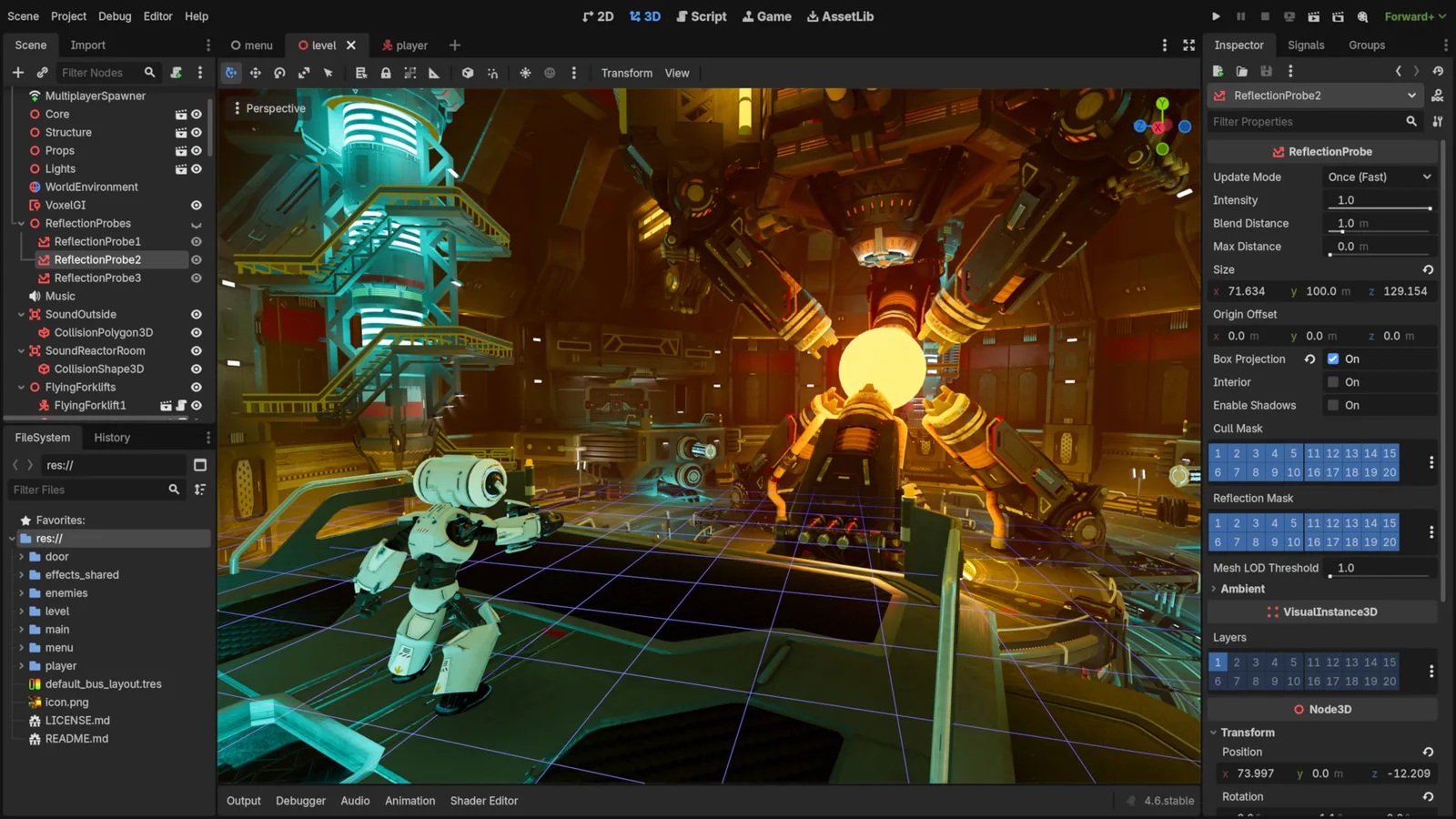
Godot Engine contributors · Original screenshot ↗ · CC BY 4.0 ↗. Resized and compressed.
Godot Engine contributorsGodot
Free, open-source game editor for 2D and 3D projects, with scene, animation and interface tools.
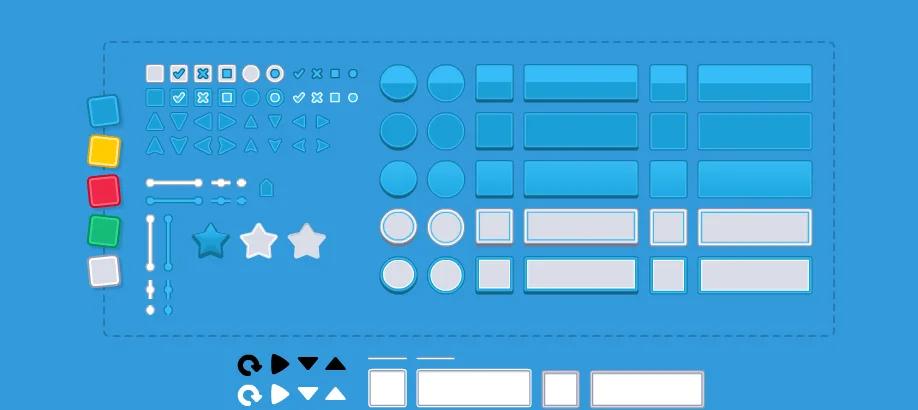
UI Pack
Interface artwork for buttons, panels and sliders.
Inspect exact formats and editions on each resource page. Pay for a resource only when it fills an identified gap; the free code exercise needs no paid engine or pack.
Licensing summary, not legal advice. Before publishing or selling, check exact terms for finished-game use, reselling files and including files in a source/template product separately.
Learn at the original sources
Sources checked 11 October 2026. The numbered plan is original Forge instruction; linked documentation does not imply every engine or device has been tested.
Take this guide to your AI
Review and copy into your assistant. Nothing is sent automatically. These prompts include the complete focus source, full-package links, checks and compatibility limits.
Review a prompt or select its text manually.