
Save and Load Game Progress Without Losing Data
Build a versioned save, validate it before loading and handle unavailable storage without breaking play.
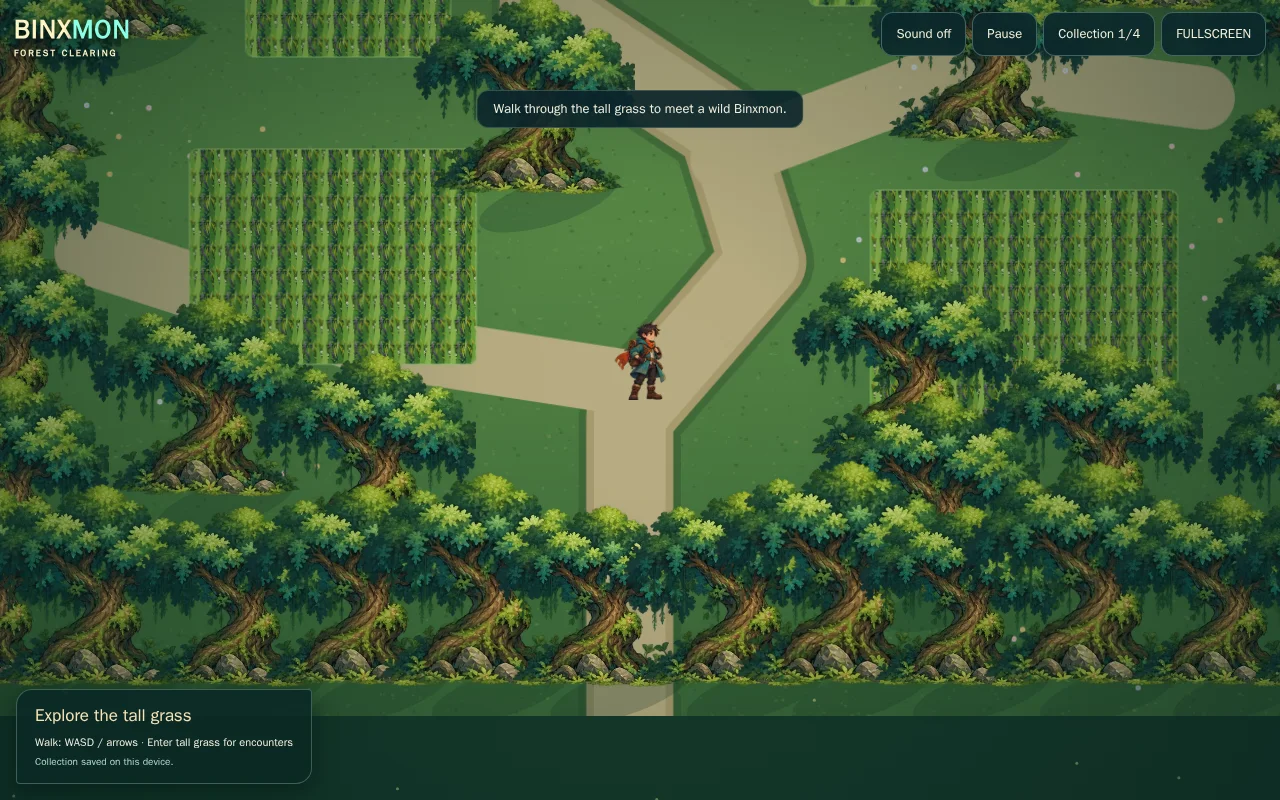
Thumbnail: an actual related playable BINX demo. It is a gameplay reference, not evidence that a save, inventory, network or native reverse-engineering integration has been demonstrated.
Difficulty: beginner to intermediate. Prerequisites: basic variables, functions and a test copy of your project. Reference: Forge workshop 1.0, browser ES modules and Node 24 checks. Engine-specific translation is a separate integration.
What you will learn
Build a versioned save, validate it before loading and handle unavailable storage without breaking play.
Download complete MIT workshop- Extract into a new folder and run
node check.mjsfrom that folder. - For the browser games, run
python3 -m http.server 8080with Python 3 and openhttp://localhost:8080/index.html. Do not open modules with file://. - Read the full setup instructions and the original code licence. Keep your existing game on a separate test branch.
The JavaScript behaviour checks and native C comparison can run independently of the browser. Ghidra UI, physical-phone and your engine integration are separate checks. This is a small reference, not a certification of your project.
Explore the related game idea · Start with Build a Game · Improve your existing game
Five practical steps
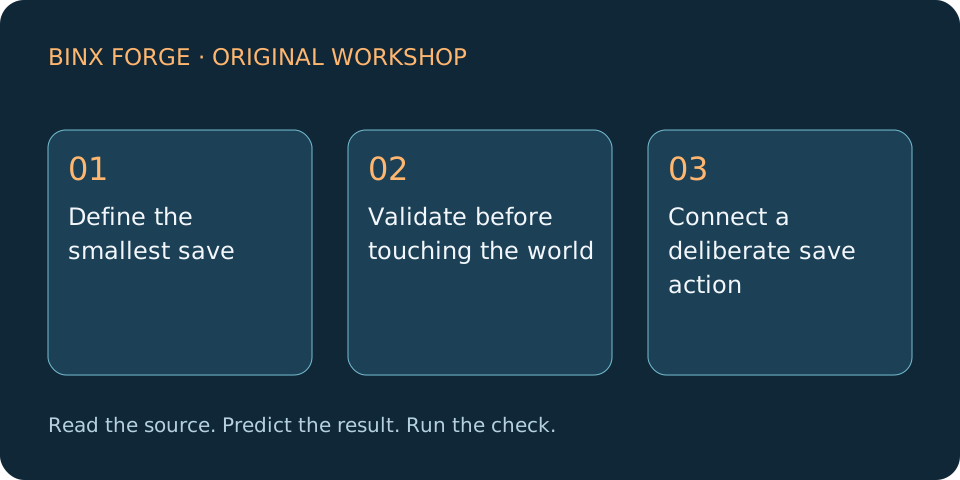
Define the smallest save
Open systems.mjs and read readSave. Save version, coins and a stable room ID. Keep textures, scene nodes, functions and account credentials out of the record. A save describes progress; the game recreates its objects from that data.
Expected result: A plain JSON record: {"version":1,"coins":12,"room":"room-a"}.
Check it: Parse that record; the returned object contains exactly those three fields.
readSaveObserve the inputs → check the state → compare the resultValidate before touching the world
Parse into a temporary value and enforce the supported version, integer range and allowed room IDs. Only assign the validated result to live game state after every check passes. Unknown future versions must not silently reset a valuable save.
Expected result: A failed load leaves the current session intact.
Check it: Try truncated JSON, version 2, coins -1, 1.5 and an unknown room; all fail.
Connect a deliberate save action
In a browser project, call localStorage.setItem with JSON.stringify inside try/catch. Save on a checkpoint or an explicit button, not every animation frame. Report success only after storage accepts the write. Godot projects instead adapt the linked FileAccess tutorial.
Expected result: A clear Saved or Could not save message; play continues either way.
Check it: Replace setItem with a function that throws and confirm movement and pause still work.
Restore after a clean restart
Read the key, validate its content, reconstruct the room and show a paused confirmation screen. If no record exists, offer New game. Keep a previous known-good record when adding schema migrations; test a copied save before changing its version.
Expected result: Loading places the player in the recorded room with the expected coins.
Check it: Save 12 coins in room-a, reload, and compare both fields; corrupt a copy and verify a useful error.
Choose storage for your actual target
Browser local storage belongs to an origin and can be cleared or unavailable. Desktop engine saves use platform-specific writable paths. Cloud saves require identity, server rules and conflict handling; they are a separate feature from this local exercise.
Expected result: A documented storage location and honest persistence limits.
Check it: Test the exported game, private browsing, quota failure and a changed host; never promise permanent storage.
Read and reuse the actual code
systems.mjs: complete source · Standalone behavioural checks · Shared browser runner and input. Original BINX Forge code, MIT; the package includes every required file and its notice.
Inspect complete systems.mjs
// Original BINX Forge practice code. MIT; see LICENSE.txt.
export function readSave(raw) {
  const s = JSON.parse(raw);
  if (!s || s.version !== 1 || !Number.isInteger(s.coins) || s.coins < 0 || s.coins > 9999 || !['room-a','room-b'].includes(s.room)) throw Error('Invalid save');
  return {version:1, coins:s.coins, room:s.room};
}
export function transfer(from, to, id, count, capacity=10) {
  if (!Number.isInteger(count) || count < 1 || !Number.isInteger(from[id]) || from[id] < count || Object.values(to).reduce((a,b)=>a+b,0)+count > capacity) return false;
  from[id]-=count; to[id]=(to[id]||0)+count; return true;
}
export function pointerInput() {
  const owners=new Map();
  return {press:(id,action)=>owners.set(id,action),release:id=>owners.delete(id),clear:()=>owners.clear(),held:action=>[...owners.values()].includes(action)};
}
export function enemyMode(distance, hp, cooldown) {
  if (hp<=0) return 'dead';
  if (cooldown>0) return 'recover';
  if (distance<24) return 'attack';
  return distance<180?'chase':'idle';
}
export function frameSummary(samples) {
  const s=samples.filter(Number.isFinite).filter(x=>x>=0).sort((a,b)=>a-b);
  if (!s.length) throw Error('No samples');
  return {median:s[Math.floor((s.length-1)*.5)],p95:s[Math.ceil(s.length*.95)-1],count:s.length};
}
export function fixedStep(clock, elapsed, update) {
  clock.carry+=Math.max(0,Math.min(.1,elapsed));
  while(clock.carry>=1/60){update(1/60);clock.carry-=1/60;}
}
// Owned protocol specimen: version:u8, coins:u16 little-endian, room:u8.
export function decodeRecord(bytes) {
  if(bytes.length!==4)throw Error('Expected four bytes');
  const v=new DataView(bytes.buffer,bytes.byteOffset,bytes.byteLength);
  if(v.getUint8(0)!==1||v.getUint8(3)>1)throw Error('Unknown record');
  return {version:1,coins:v.getUint16(1,true),room:v.getUint8(3)};
}
export function applyInput(player, packet) {
  if(!packet||!Number.isInteger(packet.seq)||packet.seq<=player.seq||![-1,0,1].includes(packet.dx))return false;
  player.seq=packet.seq;player.x=Math.max(0,Math.min(100,player.x+packet.dx*2));return true;
}
export function jumpTrace(speed=300,gravity=900,dt=1/120) {
  let y=0,vy=-speed,t=0,peak=0;
  const rows=[{t,y,vy}];
  while(t<3){vy+=gravity*dt;y+=vy*dt;t+=dt;peak=Math.min(peak,y);rows.push({t,y,vy});if(y>=0)break;}
  return {rows,height:-peak,airtime:t};
}
Code rights: the included MIT notice permits use, modification and distribution, including commercial games and source products, with the copyright and licence notice. Added third-party files have their own terms. Read the official licence & usage terms.
Common failures and fixes
My save loads as zero
Do not use a catch block that overwrites the old save with defaults. Preserve it and offer an explicit reset.
Renamed rooms break saves
Store stable IDs and migrate old IDs; filenames or display labels make brittle keys.
Saving causes stutter
Avoid large synchronous writes every frame; save at bounded checkpoints.
Make Your Game Better
Change one system after the baseline works. Keep the free reference and compare the same inputs before and after.
Add settings separately
Use a separate settings record so volume changes cannot invalidate progress.
Add a migration
Support one known older version with a pure migration function and keep a backup before writing the new format.
Optional building blocks from original creators
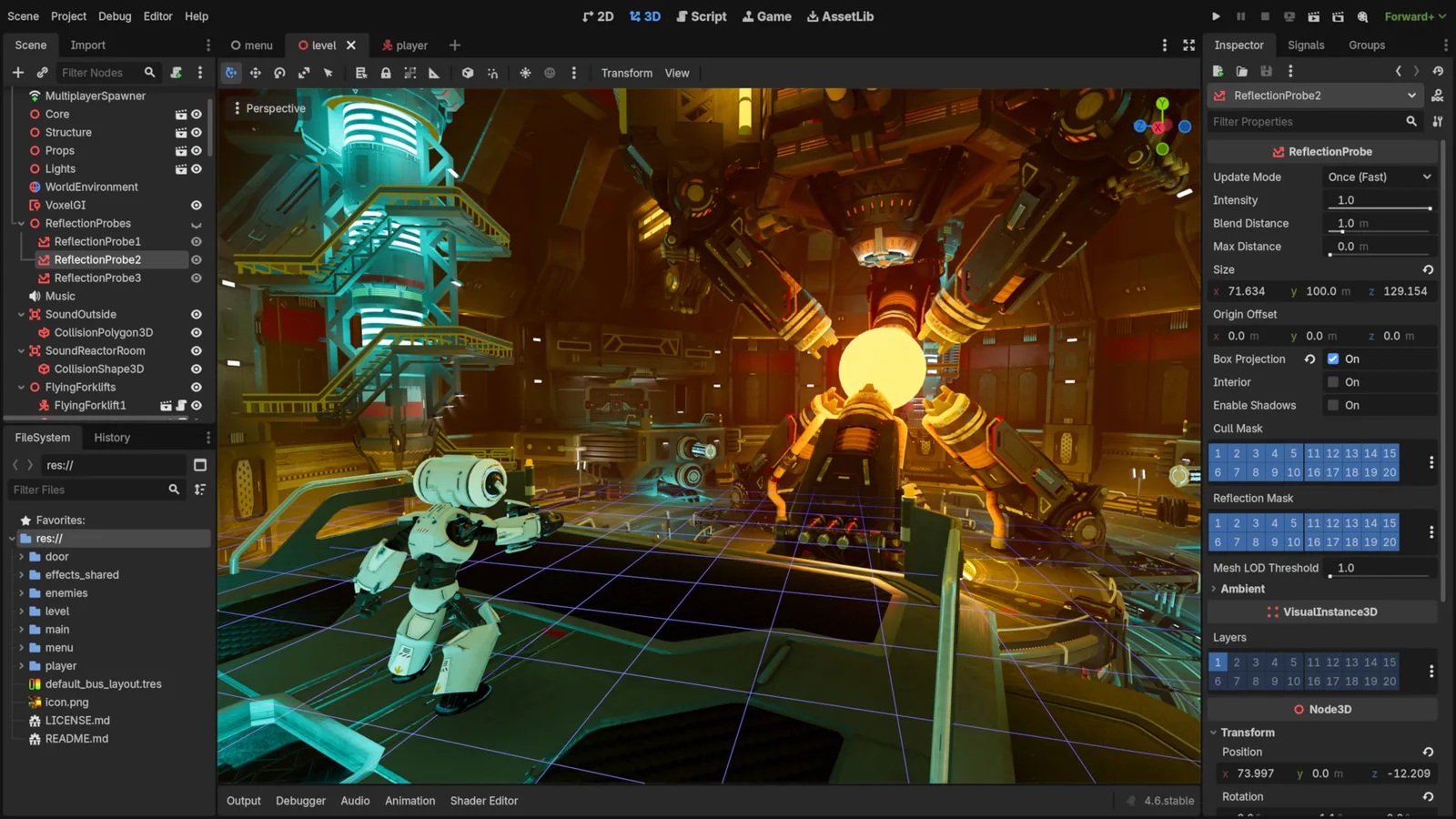
Godot Engine contributors · Original screenshot ↗ · CC BY 4.0 ↗. Resized and compressed.
Godot Engine contributorsGodot
Free, open-source game editor for 2D and 3D projects, with scene, animation and interface tools.
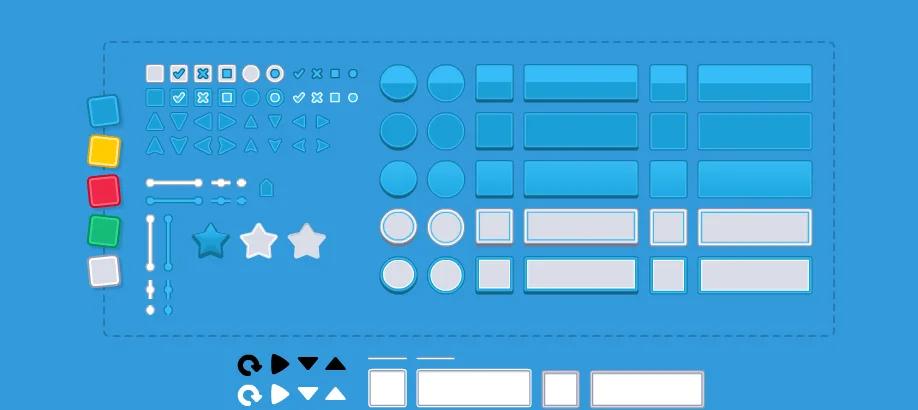
UI Pack
Interface artwork for buttons, panels and sliders.
Inspect exact formats and editions on each resource page. Pay for a resource only when it fills an identified gap; the free code exercise needs no paid engine or pack.
Licensing summary, not legal advice. Before publishing or selling, check exact terms for finished-game use, reselling files and including files in a source/template product separately.
Learn at the original sources
Sources checked 11 October 2026. The numbered plan is original Forge instruction; linked documentation does not imply every engine or device has been tested.
Take this guide to your AI
Review and copy into your assistant. Nothing is sent automatically. These prompts include the complete focus source, full-package links, checks and compatibility limits.
Review a prompt or select its text manually.